TL;DR
- Your weights load once and stay the same size for the life of the worker. The KV cache, the keys and values every layer has computed for the tokens it has already seen, adds bytes for every token in every live session. On long-context or high-concurrency work it is the cache that exhausts the GPU's memory.
- On GLM-5.2 the cache costs about 45 KB per token at FP8 as a lower bound, so one million-token session costs about 45 GB. A million-token context window is now ordinary.
- Sparse attention does not shrink the cache. Z.ai's release notes for GLM-5.2 say that cutting the compute per token does not cut the cache per token in proportion. Storing the cache in FP8 rather than BF16 only halves it.
- So the number to work out is what the node has left after the weights. That is about 687 GB on a node of eight B200s serving GLM-5.2, which holds at most about 15 million-token sessions. None of that state survives the worker, so a failure makes the next worker recompute it.
- In this piece we walk through how the KV cache grows, how to compute its size from a model's configuration file, and why sparse attention does not shrink it. Then we cover how much of a node one long request takes, how many sessions fit in what the weights leave behind, and what a failure costs you.
The weights load once, and the cache grows with every token
A transformer generates one token at a time, and with full attention every layer looks back over all the tokens before it. Rather than recompute that attention for each new token, the serving engine keeps the keys and values that every layer computed for every token it has already seen. That store is the key-value cache, or KV cache, and it is the session state a serving worker builds up while it runs.
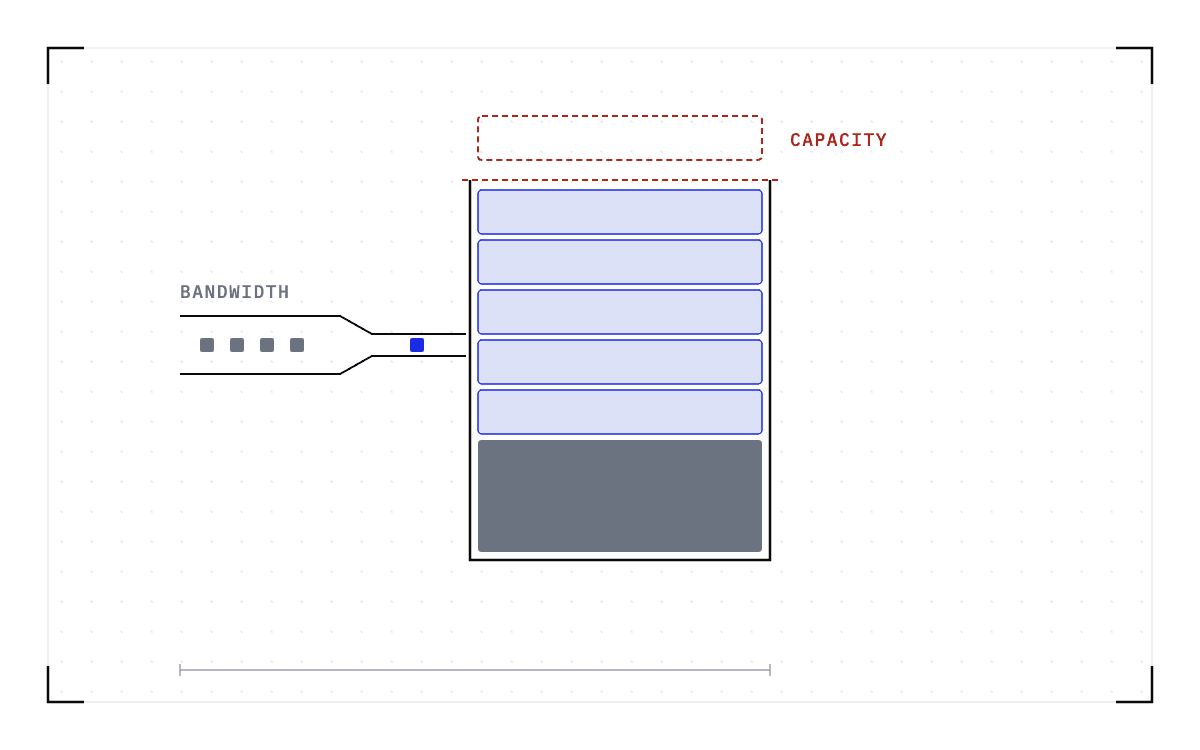
The cache sits in the GPU's own memory alongside the weights. On a server card, that memory is high-bandwidth memory (HBM) stacked on the chip itself. The weights are loaded once and stay the same size for the life of the worker, but the cache starts near zero and adds bytes for every token in every live session, so for long-context or high-concurrency work it is the cache that exhausts HBM.
Quantizing the weights and quantizing the cache both free memory, and they free different memory. Making each parameter smaller leaves more of the card to the cache and cuts the bytes streamed per token, which eases the bandwidth limit that decoding runs under. Making each cached value smaller saves the memory capacity that long context and high concurrency exhaust. A serving recipe that specifies FP8 for the cache is doing the second.
A million-token context window is now ordinary in model serving. GLM-5.2 went from 200K to 1M tokens in one release, and DeepSeek says 1M context is the default across all of its official services. So the question in front of anyone sizing a worker is how much GPU memory a context consumes, because that determines how many sessions fit in the memory left after loading the weights.
You can compute the cache size from the model's configuration file
You can work the size out yourself, because bytes per token depend on the attention layout and the model's config.json contains every input needed for the calculation. For a compressed-latent layout, the kind GLM-5.2 and the DeepSeek line use, each layer caches one latent vector plus the rotary key dimension per token.
bytes per token = (kv_lora_rank + qk_rope_head_dim) × layers × bytes per valueFor a standard or grouped-query layout, each layer caches a full key and a full value for every key-value head.
bytes per token = 2 × kv_heads × head_dim × layers × bytes per valueGLM-5.2's config.json lists 78 hidden layers, a kv_lora_rank of 512, and a qk_rope_head_dim of 64, so that is 512 + 64 = 576 cached values per token per layer. At FP8, which stores 1 byte per value, 576 × 78 = 44,928 bytes per token, or about 45 KB. At BF16, the format the model card lists as the model's native type, every value takes 2 bytes, so the figure doubles.
| Cache precision on GLM-5.2 | Per token | Per 100K tokens | Per 1M tokens |
|---|---|---|---|
| FP8 (1 byte per value) | about 45 KB | about 4.5 GB | about 45 GB |
| BF16 (2 bytes per value) | about 90 KB | about 9 GB | about 90 GB |
Every figure in the table comes from arithmetic on the configuration file, and every one is a floor. Any additional per-token state that the model's sparse-attention indexer keeps sits on top of those figures, which is why roughly 45 KB is a lower bound rather than an exact total.
Sparse attention cuts compute per token, but the cache does not shrink with it
The newest architectures reduce the compute required per token, so you would reasonably expect the memory cost to fall with it. Z.ai's release notes for GLM-5.2, published on the Hugging Face blog in June 2026, say otherwise. "Although the new GLM-5.2 architecture reduces per-token computational FLOPs, it does not proportionally reduce per-token KV-cache size."
The compute saving itself is real. The notes describe IndexShare, which reuses the same indexer for each group of 4 sparse-attention layers, reducing per-token FLOPs by 2.9x at a 1M context length. So the arithmetic per token falls while every cached entry is still stored, and Z.ai's own conclusion is that this shifts the primary inference bottleneck from computation to KV-cache capacity, long-context kernel overhead, and CPU-side overhead.
One long request can take most of a node's cache
DeepSeek reaches the same million-token window by a different route. Its V4 release note from April 2026 describes the model's attention as token-wise compression plus DeepSeek Sparse Attention, so each token is compressed before it reaches the cache.
Together AI's engineering post on serving DeepSeek-V4 reports that its engine raised total KV-cache capacity on a single NVIDIA HGX B200 node from roughly 1.2M tokens to 3.7M tokens. The practical gain came from cache policy, keeping only the sliding-window states most likely to be reused rather than the full window. Those two figures measure one engine under two cache policies, so the number changes with the engine or the policy.
Two bars on a 0 to 4 million token axis: total KV-cache capacity is roughly 1.2M tokens with the full window and 3.7M tokens with the sliding-window states, against a dashed rule marking a single 1M-token request.
One engine, two cache policies
on a single NVIDIA HGX B200 node
Total KV-cache capacity is roughly 1.2M tokens with the full window and 3.7M tokens with the sliding-window states, against a rule marking a single 1M-token request.
Either end of that range is a small number of million-token sessions, so a single 1M-token request takes a large share of that node's cache.
What the node has left after the weights sets how many sessions fit
The official vLLM recipe for GLM-5.2 shows what the problem looks like in hardware. The FP8 checkpoint fits on a single node of 8 H200 or H20 GPUs at 141 GB each, and reaching the full 1M context requires 8 B200s at 180 GB each. An FP8 cache roughly halves what the window costs, which is what puts 1M within reach at all.
NVIDIA's HGX B200 datasheet lists 8 Blackwell GPUs at 180 GB of HBM3e each, up to 1.4 TB in all, so the node holds 1,440 GB. Cedana's benchmark lists GLM-5.2 at about 753 billion parameters, and its FP8 checkpoint stores 1 byte per parameter, so the weights take about 753 GB of that. The subtraction is 8 × 180 − 753 = about 687 GB before engine reserve, and at about 45 GB per 1M-token session that budget holds at most about 15 such sessions.
Treat that count of 15 sessions as an upper bound from arithmetic rather than a measured capacity, because CUDA graphs and the engine's own reservations come out of the same memory. The recipe's --max-num-seqs setting caps how many sequences run at once, whatever their length. Its default for the 1M configuration is 32, which the recipe treats as a starting point to raise when there is headroom and lower on out-of-memory. Fifteen is how many of those sequences could each fill the whole window.
Fifteen million-token sessions, drawn as one bar of a node's memory: a faint region for the roughly 753 GB of weights, and the about 687 GB left over divided into fifteen blue cells of about 45 GB each.
What the node has left after the weights
a node of eight B200s serving GLM-5.2
at most about15million-token sessions
an upper bound from arithmetic
About 753 GB of the node goes to the weights, and the about 687 GB left over divides into fifteen sessions of about 45 GB each.
One 1M-token session is about 6% of the weights, so on GLM-5.2 a single request's cache does not match the weights in size. What the cache budget decides instead is how many sessions fit once the weights are loaded.
On a dense model the cache reaches the size of the weights much sooner, because without a compressed layout each layer caches a full key and a full value for every key-value head. The AnTKV paper (Li et al., 2025) reports that with LLaMA-3 at 128K tokens, the cache "already approaches the model size". The paper does not say which LLaMA-3 size it measured.
To run this calculation for a model you serve, open its config.json and take the layer count and attention dimensions, then use them in the relevant formula at the cache precision you will serve. Multiply the result by the context length your sessions reach and by how many you want live at once, then compare the total with what the node has left after the weights. That comparison gives you a starting point for the sequence cap, and the cap moves with cache precision and context length while the weights stay where they are.
The cache is session state, and a failure destroys it
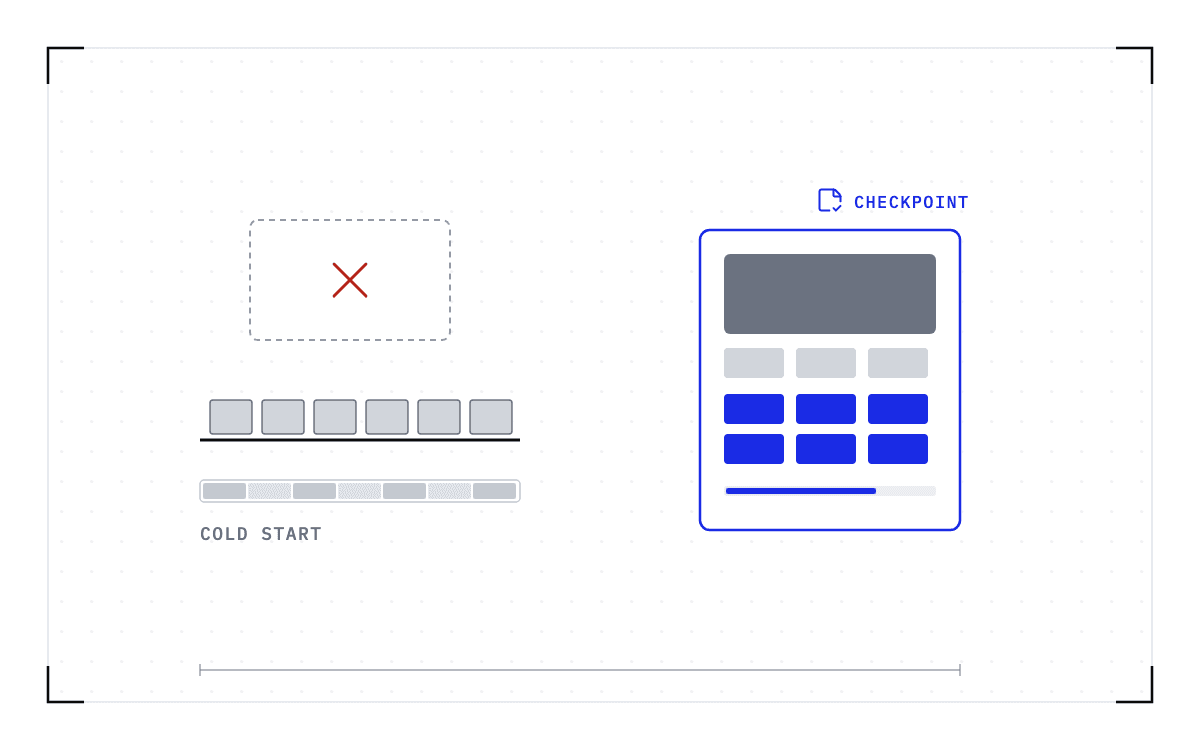
The KV cache is session state built up during the run, and it exists only while the worker runs. The active state lives in GPU memory, so if the worker fails or moves, the cache is rebuilt from scratch.
A KV offload tier, if you have deployed one, can reload the prefixes it already wrote out, but it does not hold the computation in flight, which has no copy anywhere. GhostServe, a paper on fault-tolerant serving from MLSys 2026, puts the consequence in one sentence: "In the event of a failure, this volatile state is lost, forcing the system to restart the inference job from the very beginning."
Thirty turns into a session, an agent holds all of the KV-cache state it has built so far in GPU memory, and a failure destroys that state. The restart on a new worker rebuilds the context from the transcript by re-running the prefill, so every gigabyte in the table above has to be recomputed that way. The computation itself is the only part of the stack with no saved copy.
Saving that state means copying the running worker, cache and all. That is what we work on at Cedana. Cedana is automated GPU checkpointing and migration infrastructure that increases the useful work your GPUs deliver. A Cedana checkpoint taken below the serving engine captures GPU memory along with the CUDA context, the process, its files, and its network state, so the cache is included. On compatible hardware, we restore the session from the last checkpoint, so the agent thirty turns in comes back holding what it had built instead of re-running the prefill for every one of those gigabytes.