TL;DR
- GPU checkpointing saves the complete state of a running GPU workload at one moment, so the workload can resume later on the same machine or a different one, as if nothing had happened.
- That state is far more than the model file. It is the weights in memory plus everything the workload built after it started: the working state of every request in flight, the CUDA context, the process and its files, its network connections, and what the scheduler knows about the job. Reloading the model gets you a fresh model and none of that.
- Checkpointing can be done at three levels, by the application, by the GPU driver, or by the system underneath both. Only the system level captures the whole workload without changing the application.
- In this piece we walk through what a running GPU workload holds, what the words checkpoint, snapshot, restore and migration mean, and why saving a running workload is a different job from saving a model. Then we cover the three levels of checkpointing and what each one leaves out, and why the platforms themselves are now building for it.
What is inside a running GPU workload?
GPU workloads get interrupted all the time. A node fails, the cluster needs a maintenance window, a higher-priority job preempts it, or a scheduler time limit expires. The job starts over, and the work it had done is gone.
What is gone is the workload's state: everything it built up while running, in memory and on disk, that would have to be built again. Three everyday jobs show what that is.
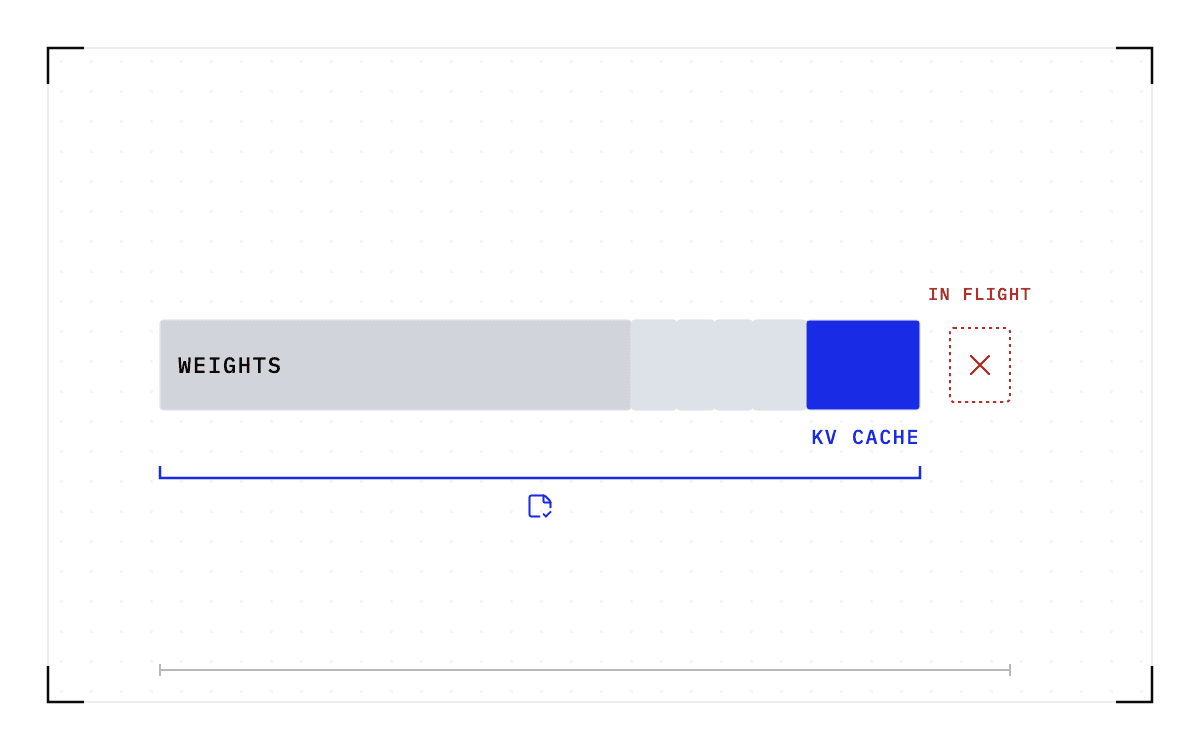
- A serving worker in the middle of a request holds the model weights, a key-value (KV) cache, and the compiled kernels and compute graphs it built at startup. The KV cache is the memory that stores the attention state of every request in flight, so each new token does not recompute the whole conversation.
- A coding agent 30 turns into a session holds that whole context in its cache. The cache is the session's accumulated work.
- A research job six days into a week-long run on a shared cluster holds its results so far in memory and on the file system.
All three carry the same six kinds of state.
| Component | What is captured |
|---|---|
| GPU | GPU memory, the process and runtime state, the CUDA driver state |
| CPU | The process and its memory |
| Network | Open connections and their state |
| File system | The container's read and write layers, and the paths to the network file systems the job uses |
| Scheduler and container runtime | What Slurm or Kubernetes and the container runtime know about the job, kept consistent |
| Distributed synchronization | The collective communication state across GPUs, in NCCL (NVIDIA Collective Communications Library), MPI (Message Passing Interface), or gloo |
The weights sit inside the first row. Nothing in the other five rows is in the model file. It is state the process, the runtime and the cluster build up while the workload runs, and it is what you lose when the workload dies.
What is the difference between a checkpoint and a snapshot?
Checkpoint, snapshot, restore and migration get used interchangeably, and they do not mean the same thing.
A checkpoint is the saved state of a running GPU workload at one moment, meaning every row of the table above. In GPU workloads, a snapshot usually means the same thing as a checkpoint. The word is also used for an image of a virtual machine, a sandbox, or a disk, which is why the two blur in conversation.
A restore brings a checkpoint back and resumes the execution that was underway, on the same machine or on another compatible one. That is different from a restart, which begins a new execution from scratch. A migration is a restore on different hardware. The checkpoint itself does not change, only the place where the workload resumes does, so the sequence is checkpoint, transfer, restore.
Why is saving a running workload different from saving a model?
A model file contains static weights, and loading them is only the first step in starting a workload. On a large model, that step alone is slow. Alibaba Cloud's documentation for deploying DeepSeek models says that for a full-version DeepSeek-R1 "the model loading process might take 20 to 30 minutes". On 8x B200 GPUs, Cedana's published benchmark records native cold starts of up to 34 minutes for the largest frontier open-weight models.
After the weights load, everything else in the table above has to be rebuilt from scratch. The runtime initializes, the GPUs establish their collective communication, the cache is profiled, and the compute graphs are captured. Only then can a request be served. The KV cache for every in-flight session is recomputed from the conversation history, if the history still exists, and the computation that was in progress at the moment of failure is simply lost.
The 2026 MLSys paper GhostServe describes the consequence for fault-tolerant serving: "In the event of a failure, this volatile state is lost, forcing the system to restart the inference job from the very beginning." A checkpoint of the whole workload changes that. The state is copied back rather than rebuilt, and the workload continues from where it was.
Only system-level GPU checkpointing captures the whole workload
Each of the three levels captures a different amount of the state in the table, and the difference is where the work of checkpointing lands.
A matrix of six kinds of state against three levels, keyed empty for left to you, hatched for covers only, and filled for captures. The application column covers only the weights on the GPU row and nothing below it. The driver column covers only one process on one GPU, and captures the CPU row. The system level column is filled down all six rows.
What each level captures
An empty cell is left to you, a hatched cell covers only what it names, and a filled cell captures the row. The system level is the only column filled down all six rows of state.
The first level is the application. A training framework can write its own checkpoints, and scientific applications like GROMACS have done so for decades. An application-level checkpoint covers only the application that implements it, so each team writes and maintains its own checkpointing code. That code usually covers training rather than serving, and when the job fails, someone still has to notice and act. This is often called model checkpointing, and the name is accurate: an application checkpoint of a model holds the weights, but not the KV cache or anything else the serving process built after startup. Because taking one is expensive, teams take them infrequently and lose more work when a failure comes.
The second level is the driver. Here a kernel-level primitive pauses one process on one GPU, copies its device memory to the host, and hands the process to a CPU checkpointer. This is the bottom of the stack and a real building block. Everything around the process is left to you: the file system, the network state, the scheduler's view of the job, the coordination across the GPUs in one job, and the decision of when to take a checkpoint at all.
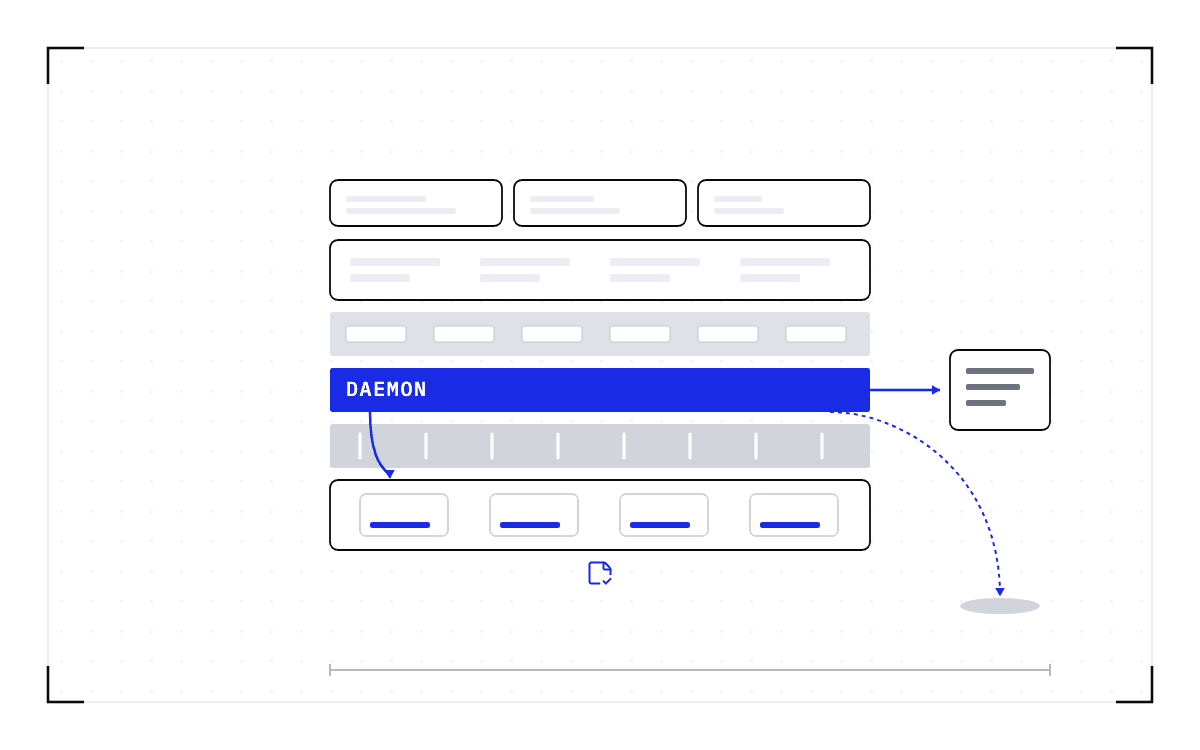
The third is the system level. A system-level checkpointer captures all the state in the table at once, including the state around the GPU and the coordination across GPUs and nodes, and it does so transparently, with no change to the application. Capturing the GPU is necessary but not sufficient, because the resume also needs the runtime context around the workload. The application does not know it was checkpointed or that it moved. Recovery is then the scheduler's job: on Slurm the job can be requeued and restored on a compatible node, and on Kubernetes the pod can be restored on another compatible node.
The resume gets harder as the workload gets more distributed
The resume problem grows from the state of one process to the coordinated state of a whole system as the workload spreads out and holds more.
| Workload type | State complexity | What makes the resume hard |
|---|---|---|
| Batch inference | The file system and local artifacts | Data locality and file continuity |
| Online inference | Network plus file system | Live latency and session continuity |
| Agents and compound AI | Several workloads orchestrated together | Checkpointing and restoring them in the right sequence |
| Multi-GPU inference | GPU collective state | Coordinating NCCL or MPI across the GPUs |
| Multi-node inference | Distributed state across nodes | The fabric, I/O, and architecture-specific coordination |
Checkpointing one process on one GPU is hard, but tools exist for it. A worker spanning 8 GPUs has collective state that must be captured at the same instant on all 8, and a worker spanning several nodes has fabric state on top of that. The difficult part is coordinating that capture across the whole worker.
What can a checkpoint not do?
A checkpoint records the GPU, driver, engine and model versions it was taken against. If any of them changes, the checkpoint is invalid and the workload cold-starts instead. So a checkpoint carries running work across an interruption. It does not carry work across an upgrade. The way round a driver upgrade is to move the work rather than carry it across: Cedana migrates the workloads to nodes still on the old driver, the fleet upgrades in groups, and the last group's workloads finish first or cold-start.
Checkpointing a running workload is becoming a platform expectation
In January 2026, the Kubernetes project formed a Checkpoint/Restore Working Group. Three of the six use cases it named are AI workloads:
- faster startup for applications with long initialization times, including LLM inference services
- periodic checkpointing for fault tolerance in long-running work such as distributed model training
- better utilization for interactive workloads such as Jupyter notebooks and AI chatbots
Kubernetes shipped container checkpointing as an alpha feature in version 1.25 in December 2022, and it has since reached beta and is enabled by default. The feature is built on CRIU, the checkpoint and restore project first presented to the Linux kernel community in July 2011. CRIU handles the CPU side of a container, and its documentation says why GPU state needs separate support: "GPU state such as device memory, contexts, and queues that lives outside normal process address space needs special handling, so CRIU relies on vendor-specific plugins." The GPU side needs a GPU-aware checkpointer underneath.
That missing layer is what we work on at Cedana. Cedana is automated GPU checkpointing and migration infrastructure that increases the useful work your GPUs deliver. In practice, that means we capture all six kinds of state at the operating-system level, below the serving engine, with no application code changes, on Slurm and Kubernetes. When one of the three jobs from the top of this piece is interrupted, the serving worker, the coding agent or the six-day research run, it comes back where it stopped instead of starting over.
Common questions
What is GPU checkpointing?
GPU checkpointing saves the complete state of a workload at one moment, so it can resume later on the same machine or a different one, as if nothing had happened. That state includes the weights in memory, the working state of every request in flight, the CUDA context, the process and its files, its network connections, and what the scheduler knows about the job.
Checkpoint, snapshot, restore, migration: what is the difference?
A checkpoint is the saved state of a running GPU workload at one moment, and in GPU workloads a snapshot usually means the same thing as a checkpoint. A restore brings a checkpoint back and resumes the execution that was underway, on the same machine or another compatible one, while a migration restores a checkpoint on different hardware. For a migration, the sequence is checkpoint, transfer, restore.
What is CRIU, and does it work with GPUs?
CRIU is the checkpoint and restore project first presented to the Linux kernel community in July 2011, and Kubernetes container checkpointing is built on it. CRIU handles the CPU side of a container. GPU state lives outside normal process address space, so it needs a GPU-aware checkpointer underneath, built on vendor-specific plugins.
Is model checkpointing (saving weights) the same as GPU checkpointing?
Model checkpointing is an application-level checkpoint that holds the weights of a model. It does not hold the KV cache or anything else the serving process built after startup, which is what a full GPU checkpoint captures.
What is inside a GPU checkpoint, and how big is it?
A GPU checkpoint captures six kinds of state: the GPU (memory, process, and CUDA driver state), the CPU process and its memory, network connections, file-system state, what the scheduler and container runtime know about the job, and the collective communication state across GPUs. The weights sit in the first of those. The rest is state the running workload builds up, and none of it is in the model file.