TL;DR
- Turning checkpointing on across a cluster means every job starts writing its memory to storage, and somebody has to tell the storage team how much that will be.
- The number is not a product specification, because it depends on the memory your own jobs hold and on the retention and quota settings an administrator picks.
- You can still do the sizing before anything is installed, because a checkpoint is about as large as the memory the job was using when it was taken. Total checkpoint storage is that size multiplied by how many are kept per job and by how many jobs hold checkpoints.
- Slow storage lengthens the write rather than stalling the job. Two lifecycle behaviors have no published answer from us: what happens to a job when a checkpoint fails, and what happens when the store fills up.
- In this piece we walk through how big one checkpoint is, how long checkpoints are kept and how many, and what an administrator can cap. Then we cover whether slow storage slows a job down, and the two questions to put to any vendor.
How big is one checkpoint?
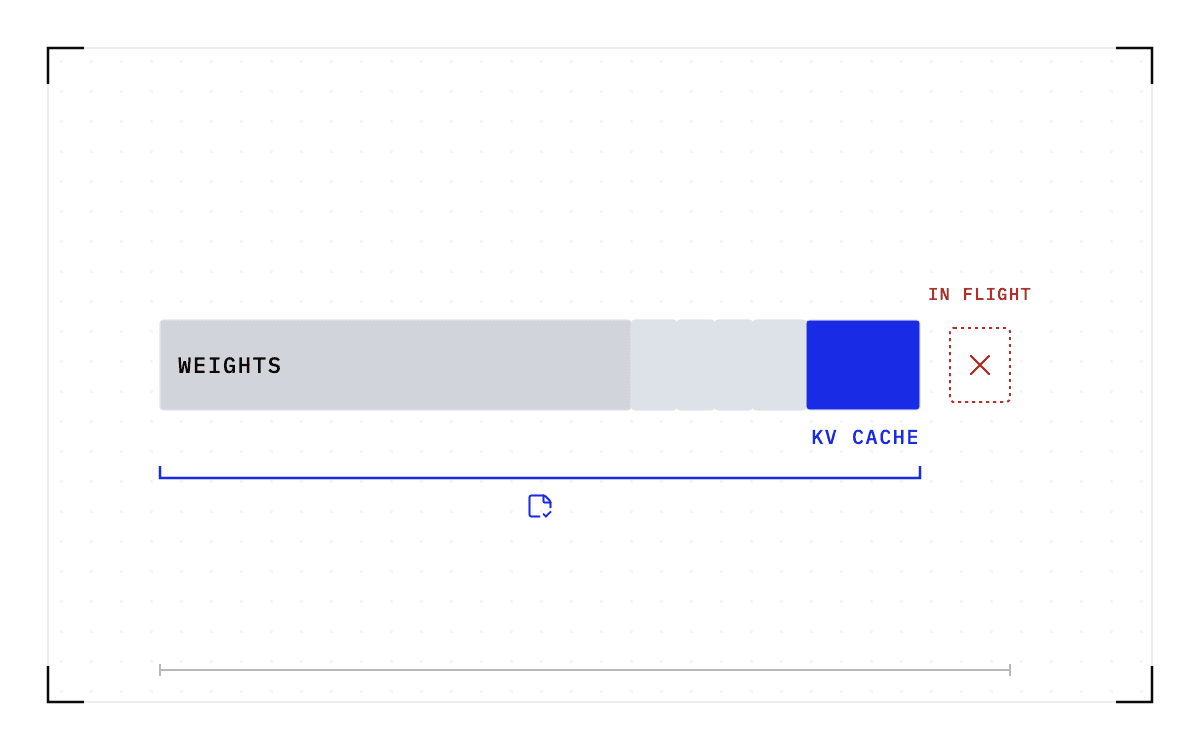
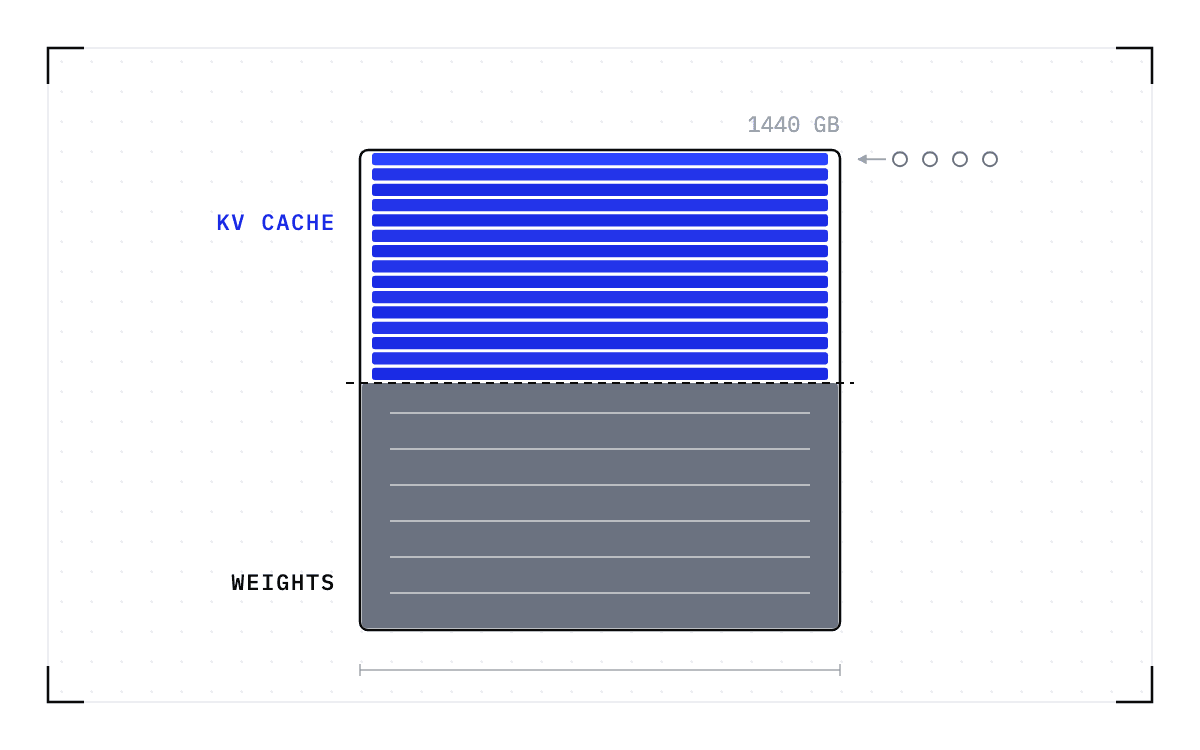
Checkpointing a job means saving the state it holds while it runs so the job can be brought back later. The size of that save tracks the VRAM and RAM in use at the moment it is taken, where VRAM is the GPU's own memory. The checkpoint captures that memory itself rather than a summary of it, so the bytes you budget for follow the memory your jobs use.
Cedana's own worked example is a job using 20 GB of VRAM, which produces roughly a 20 GB checkpoint. The figure moves with the job, so a job using more memory than when it started produces a larger checkpoint than it would have earlier in its run.
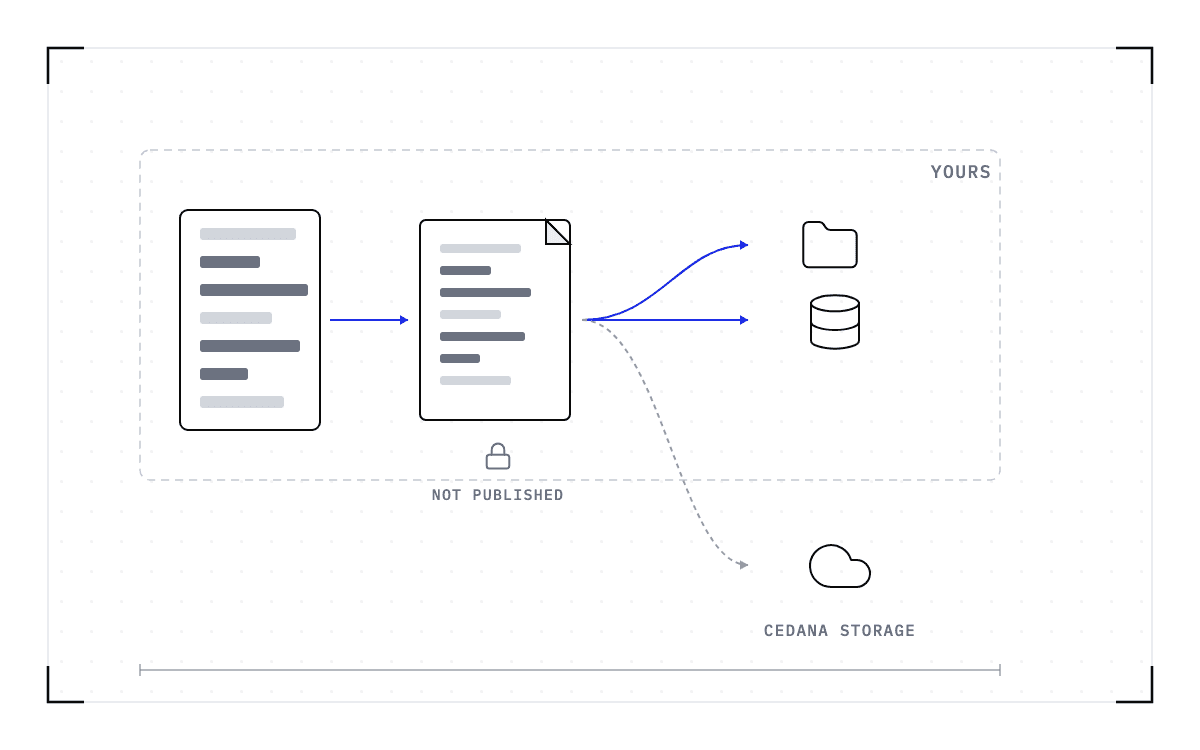
The second input to the size is how much file-system content gets pulled in alongside the memory, and that part is yours to set. We advise against pulling in enough file-system content to bring a checkpoint to around 100 GB, and that guidance is about file-system content rather than about capturing memory. For large temporary directories, we work with file-system providers such as Lustre and Weka, combining a volume snapshot with the checkpoint.
Total checkpoint storage is the size of one checkpoint multiplied by how many are kept per job and by how many jobs hold checkpoints, which includes finished jobs whose checkpoints have not yet expired under the retention window. Retention sets how many are kept, and a quota caps how much any one user can hold. Both are policies an administrator sets.
How long are checkpoints kept, and how many?
Retention by age is a window after which a checkpoint expires, and you can set how far back checkpoints are stored. Our default is two weeks in object storage, with the window configurable, so ask what the current value is for the version you would run.
Retention by count, a fixed number of recent checkpoints kept per job, is planned rather than shipped. Our demonstrations show example settings that keep the last five or the last 10 checkpoints for a job, and an administrator will be able to set that number, so ask whether the version you would run has it.
How often a checkpoint is taken is yours to set as well. Heartbeat checkpointing is a policy you enable and configure from the dashboard, and the public documentation describes it as acting like a cron job that checkpoints every n minutes. The cadence is a number an operator writes, not one the product fixes, and we have not published a default value for it. That number decides how fast the store fills, so ask for it alongside the retention settings.
The checkpoints those policies act on are a list you can inspect. After checkpointing a job, cedana job list reports the latest checkpoint time and size, and a second command lists every checkpoint for a job with its time, size, and path. The API reference documents a step that marks a checkpoint for removal, which a later cleanup pass deletes. That is as far as the documentation goes, and it does not describe automatic enforcement of a quota.
Can an administrator set a checkpoint quota per user?
Yes, and the limits are set per user, per job, and per queue.
Our own sizing example is 10 GB per user, which across 1,000 users is 10 TB of checkpoint storage. That 10 GB is a suggestion we made to one administrator. It is not a product default and not a measurement, so the number to use is your own quota multiplied by the number of users who will have it. Each row below is a ceiling, reached only when every user holds a full quota.
| Per-user quota | Users | Total checkpoint storage |
|---|---|---|
| 10 GB | 100 | 1 TB |
| 10 GB | 1,000 | 10 TB |
| 20 GB | 100 | 2 TB |
| 20 GB | 1,000 | 20 TB |
How fast a user reaches that ceiling depends on the size of each checkpoint and on how many are kept, and four controls govern that rate. Ask for all four by name, and ask which of them the version you would run has, because retention by count is planned rather than shipped:
- Retention by age, the window after which a checkpoint expires.
- Retention by count, how many checkpoints are kept per job.
- A quota per user.
- Limits per job and per queue.
Does slow storage slow down the job?
The job keeps running while the save takes longer. The state is captured in a brief pause, then written out asynchronously while the job runs on, so the transfer does not block the job, and at preemption the save stays asynchronous. A slower storage path therefore lengthens the write while the job carries on, though the save still consumes storage and network bandwidth.
How long that save takes is the number of bytes divided by the speed of the path they travel. Checkpoint throughput depends on how quickly we can write from the GPU to disk, so checkpoint duration is almost entirely bounded by storage I/O. Restores follow the same rule, and faster storage gives faster restore times.
Where those bytes go decides which limit you run into. Local NVMe disks, the solid-state drives attached to the machine itself, can reach 10 GB/s, which is a property of that class of disk and not a measurement of ours. Streaming to object storage or writing to a network file system is bounded by the network card instead, on a 10 gigabit Ethernet link for example.
We checkpoint to any POSIX-compliant file system, to object storage, or to our own storage. We measured two of those backends on the same 1 GB workload. On object storage, that 1 GB workload took 21 seconds to checkpoint and 34 seconds to restore. On a network file system, the same 1 GB workload took 9 seconds and 13 seconds.
On the same 1 GB workload, object storage took 21 seconds to checkpoint and 34 seconds to restore, and a network file system took 9 seconds and 13 seconds.
Two backends, the same 1 GB workload
Object storage: checkpoint 21 seconds, restore 34 seconds. Network file system: checkpoint 9 seconds, restore 13 seconds.
The test names the storage backends and stops there. It does not state the GPU, the date, or what the clock started and stopped on. The seconds do not scale to a checkpoint of another size.
Two behaviors to ask about before you sign anything
We have published no answer to two questions about the lifecycle, and both are design decisions where products differ, so put them to any vendor of a checkpointing product, including us.
The first is what happens to a running job when a checkpoint fails. A product can answer it two ways. Either the job keeps running and the failed checkpoint is retried or skipped, or the job is held until a checkpoint succeeds. Which one a product picks decides what a failed checkpoint costs you.
The second is what happens when the checkpoint store fills up. A product can remove the oldest checkpoints to make room, it can skip new checkpoints and let the job run on unprotected, or it can stop the job.
A good answer names the behavior the product picks and says whether an administrator can change it. It should also say whether that behavior ships today or is planned. One design worth naming in the question is a per-job size threshold that skips the checkpoint when a job's state grows too large.
What we describe instead is the set of controls that bound storage growth. In the documentation, that means a configurable checkpoint lifecycle, and it also means administrator-set limits per user, per job, and per queue. Those controls slow the fill, but they do not say what happens at the moment the store is full.
The controls in this piece are all settings an administrator picks, and what every one of them acts on is the size of one checkpoint. Cedana is automated GPU checkpointing and migration infrastructure that increases the useful work your GPUs deliver. On the storage question, that means the size of one checkpoint sets the storage bill, and it sets how long a restore takes. So the arithmetic you do for the storage team is the same arithmetic that tells you how fast a job comes back, and you can do it from the memory your own jobs hold before anything is installed.
Common questions
How much storage does checkpointing a GPU cluster need?
A checkpoint is about as large as the memory the job was using when it was taken, and retention and quota policies bound the total. Total checkpoint storage is the size of one checkpoint multiplied by how many are kept per job and by how many jobs hold checkpoints, including the finished jobs whose checkpoints have not yet expired.
Does slow storage slow down the job?
The job keeps running while the save takes longer. The state is captured in a brief pause, then written out asynchronously while the job runs on, so a slower storage path lengthens the write while the job carries on.