TL;DR
- A checkpoint is a copy of everything a job had in memory. So installing checkpointing software means answering where those copies go, how long they stay, and who can read them.
- None of that is a property of the software. A checkpoint inherits the sensitivity of the job it came from and then sits under the access controls of wherever you wrote it.
- You choose that destination when you install. Cedana is automated GPU checkpointing and migration infrastructure that increases the useful work your GPUs deliver. Our checkpoint storage can be a folder on network attached storage, an S3-compatible bucket, or Cedana Storage. Only the last of those takes the file outside the controls you already run.
- Three questions have no answer we have published: whether checkpoints are encrypted at rest, whether they are encrypted in transit, and who holds the keys.
- In this piece we walk through what a checkpoint holds, where you can write one, how big it is, how long it stays, and which questions are still open.
A checkpoint holds whatever the job held
A checkpoint is a process image, a copy of the running process and the memory it held, so the job's private data is in the file. The Kubernetes project says the same about its own checkpoint files, and its documentation for the Kubelet Checkpoint API warns that "Typically a checkpoint contains all memory pages of all processes in the checkpointed container" and that this "includes all private data and possibly keys used for encryption". Once that archive moves to another system, whoever owns the file can read those pages.
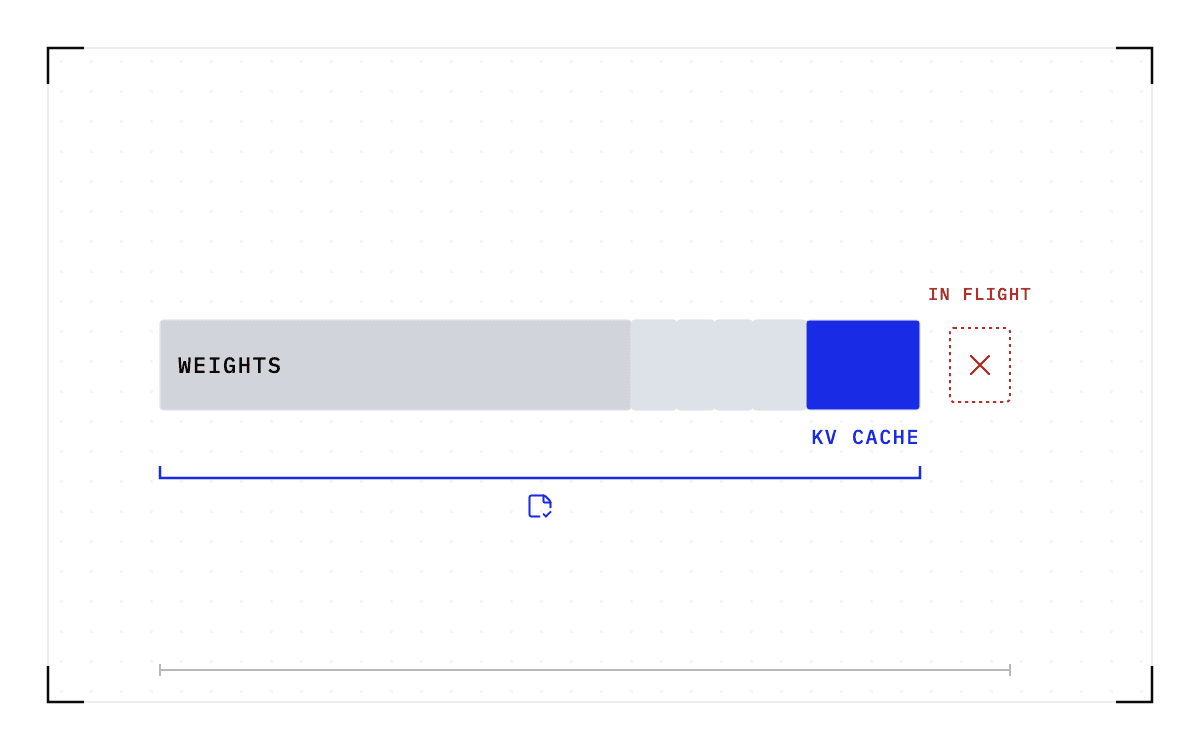
A checkpoint we take with Cedana holds the same kind of sensitive state. We save GPU memory, CPU state, network state, filesystem state, and scheduler state at the operating system level. The key-value (KV) cache is GPU memory, so it lands in the file along with the sessions that were in flight when the checkpoint was taken. If a serving worker has been answering requests all morning, whatever of those conversations is still in its memory is in the checkpoint.
If a job writes into the container's own root filesystem, those files travel with the state and are inside the checkpoint too. None of this is particular to our software, because it follows from what a process image is. So the file inherits the sensitivity of the job it came from, whatever software produced it.
Where you write a checkpoint decides who can read the file
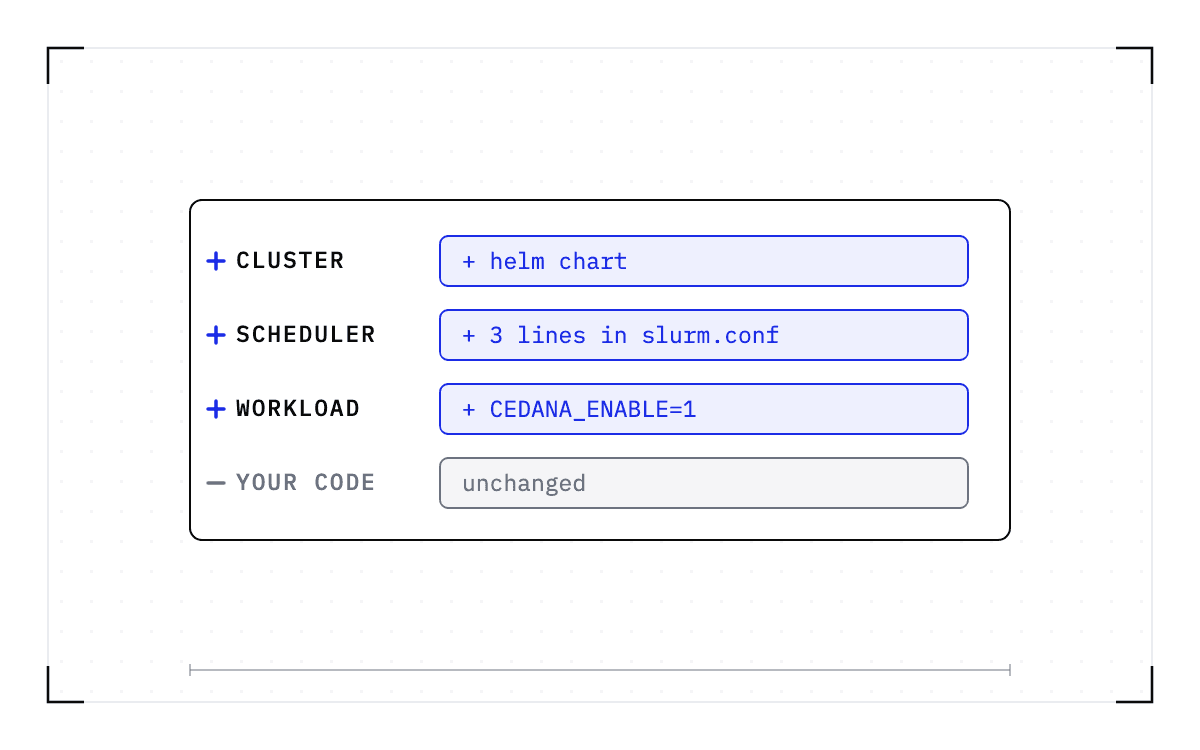
You decide where a checkpoint goes when you install us, and our Helm chart starts out writing to local storage. From there you point us at a folder mounted from network attached storage (NAS) or at an S3-compatible bucket. The worked example in our documentation writes to one hosted on another cloud provider, Nebius.
| Destination | What it is | Where the access control sits | Where it is documented |
|---|---|---|---|
| POSIX filesystem or NAS mount | A folder on storage you already run, mounted into the node | Your filesystem permissions | Our documentation, storage for Kubernetes |
| Amazon S3 or an S3-compatible bucket | A bucket in a cloud account you own, on AWS or on another provider | Your bucket policy, and the account that owns the bucket | Our documentation, Amazon S3 storage |
| Cedana Storage | A global store for checkpoints backed by several cloud providers, for low latency and high availability | Cedana's access controls; ask us who can read the file | Our documentation, Cedana Storage |
A checkpoint written to your own filesystem or bucket sits under access controls you already run, but our own storage takes the file outside them. Who can read it there is a question to ask us rather than a setting on your side.
Every checkpoint can stay inside your own environment. Customers running their own clusters or air-gapped environments deploy us on-premise, and nothing about the capture requires a checkpoint to leave the cluster it was taken in. One research university planned to keep its checkpoints on a partition of its own parallel filesystem, Lustre, and to set retention policies on top.
Moving a workload with a checkpoint is not the same arrangement as bursting to a third-party API. Sending a request to somebody else's API hands them the request. Moving your own workload with a checkpoint keeps the state in storage you configured, so custody stays a question about your storage.
A checkpoint is about the size of the memory in use
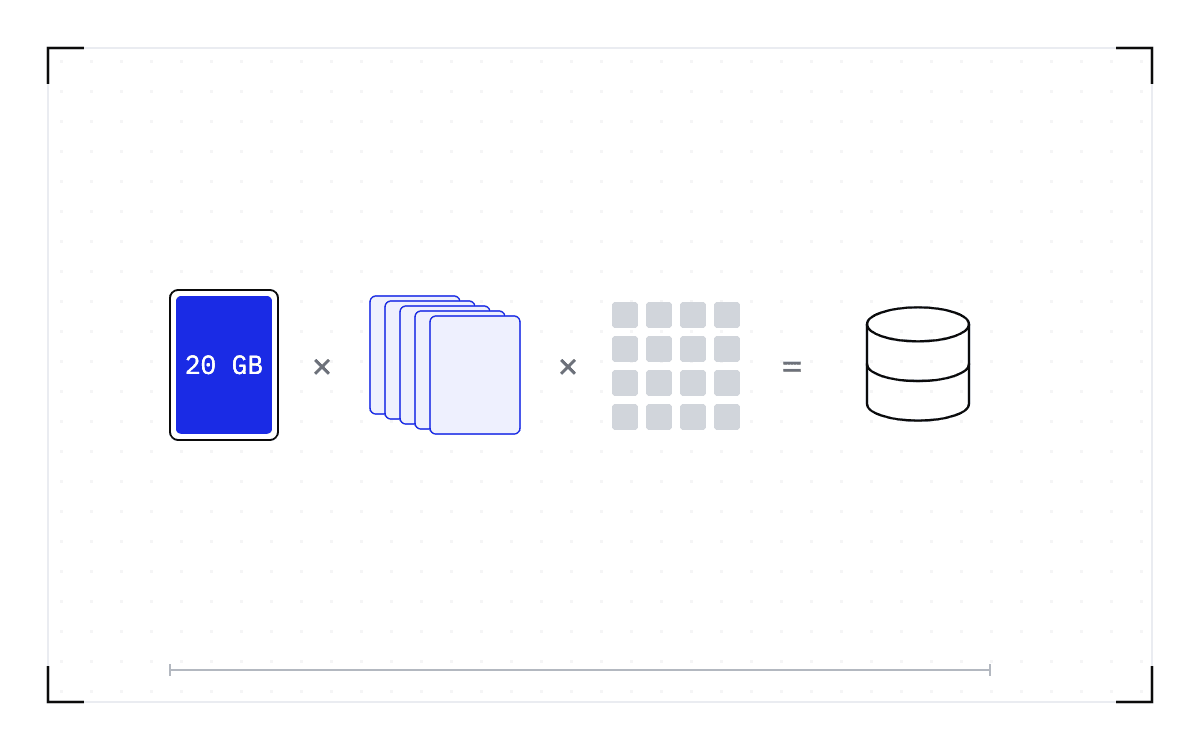
The capture covers GPU memory and CPU memory together, so the file is about as large as the memory the job is using. In one demonstration, we showed 20 gigabytes of GPU memory in use producing roughly a 20 gigabyte checkpoint, and the process's CPU memory and the files it wrote inside the container add to that. To size the storage for a job, multiply that by the number of checkpoints your retention policy keeps.
The write streams from memory to the destination rather than staging through the node's disk, but capture and restore still run at the speed of the storage behind them. So storage chosen for price rather than speed is slower at both.
How long a checkpoint stays is a setting
A policy can delete checkpoints past a certain age, and expiry can be set in our own application rather than only as a rule on the bucket. Both of those lifecycle controls are documented. Keeping only the most recent few rather than everything is planned rather than shipped.
One deployment defaults to two weeks in S3, as described in October 2025, and that is one site on one date rather than a product default. The setting worth choosing is the one that matches whatever already governs the data inside the job. If that data has to be deleted on a schedule, so does the copy of it sitting in a checkpoint.
The published answers stop short of encryption and keys
Installing the storage plugin requires a Cedana account and an authentication token set in the daemon's configuration, so contact us if the token requirement is a concern in your environment. On isolation, our answer is that we operate above the existing security boundary and leave the tenant container or virtual machine boundary unchanged.
That isolation answer covers the boundary around the running workload. It says nothing about who can read a checkpoint once the file has been written, and it should not be taken as though it did.
Three further questions have no answer that we have published. Put them in writing to any vendor whose software captures memory, this one included.
- Are checkpoints encrypted at rest?
- Are checkpoints encrypted in transit?
- Who holds the keys?
On the related question of security certification, we hold a SOC 2 Type 2 certification, an independent audit of security controls.
So the answer to who can read a checkpoint is mostly an answer about your own storage. You choose where these copies are stored, and a copy holds the job's memory, so it belongs wherever your policy already puts that job's own data.
Common questions
Where do checkpoints live, how long do they stay, and who can read them?
Where a checkpoint lives is a choice you make when you configure checkpoint storage. Our Helm chart starts out writing to local storage, and from there you point it at a folder on network attached storage, at an S3-compatible bucket, or at Cedana Storage.
How long it stays is a setting too, because a policy can delete checkpoints past a certain age, and keeping only the most recent few is planned. Who can read the file follows from where you put it. A checkpoint on storage you already run sits under the access controls you already have, and one in Cedana Storage sits under Cedana's own access controls, which you have to ask us about.