TL;DR
- Nothing on your cluster is checkpointed until you put a workload on a list you write. So adopting Cedana's GPU checkpointing starts with choosing what goes on it.
- A first workload does not have to prove anything about the technology under load. It should be one whose interruption costs the team nothing, which on most clusters means a non-critical workload in a test queue.
- You scope the opt-in by node, by queue and by workload, and joining the list is a configuration change rather than a change to the application.
- Keep off the list, for now, work whose effects have already reached another system, requests short enough that redoing them is cheap, and workloads whose answer depends on real-time data.
- In this piece we walk through what the install does before you opt anything in, how a workload joins the list on Kubernetes and on Slurm, and which workload to start with. Then we cover the work a checkpoint cannot protect, and the two questions to put to us.
Nothing is checkpointed until you put a workload on the list
Checkpointing means saving the full state of a running job so that the job can be brought back later, on the same machine or on a different one. Our software stays dormant on your cluster until you opt a workload in, so until you do that, nothing is checkpointed and the jobs and queues you already run are unchanged.
You control that list at the node level, at the queue level and at the workload level, and for a first week we use all three.
- Node-level isolation: one or two test nodes.
- Queue-level isolation: one queue.
- Workload-level opt-in: one non-critical workload.
As the cluster operator, you answer for any production job a new piece of software touches, so a list this small keeps those jobs out of the test.
Inside your cluster sit one or two test nodes, inside them one queue, and inside that the one non-critical workload, which is checkpointed and is the only box that is filled; outside it, the jobs and queues you already run are unchanged.
The first week's list
Three scopes nested one inside the next inside your cluster: the test nodes hold the queue, and the queue holds the one workload that is checkpointed. Everything outside it is unchanged.
Joining the list is a configuration change
On Kubernetes, the installation itself decides which nodes can be included. By labeling the nodes and matching that label in the chart's node affinity, you can limit us to a daemonset on the nodes you choose plus a controller. Once we are installed and the taint we set while bootstrapping a node has lifted, we do nothing to your workloads until you deploy one that asks for it.
A workload asks with one line of YAML in its pod spec, our runtime class. A checkpoint identifier, set as an environment variable, labels the workload's checkpoints, so a restore picks up the latest one saved under that label. GPU workloads require the runtime class, so a pod without it stays out of scope even on a node where we are running.
On Slurm, the smallest footprint is a controller and one compute node. Compute nodes without our plugin carry on as they did, with no checkpoint and restore. For safe testing, you can set up a Cedana-specific partition, which limits checkpoint and restore to the jobs submitted to that partition, and registering the plugin is the only change to your existing scheduler.
Within that partition, the CEDANA_ENABLE environment variable is the per-job opt-in, so by default only jobs carrying it are checkpointed. That switch is in our public Slurm documentation, so you can check it before you install anything. Neither route asks anything of the application. There is no code modification, and the researcher's workflow does not change.
The first workload should be one whose interruption costs the team nothing
The first workload is there to show you what the install did on a node you can afford to interrupt. It does not have to prove anything about the technology under load. In practice that is a non-critical workload in a test queue, and what fills that description depends on what the cluster runs.
- On an inference platform, a serving worker that is not carrying production traffic yet.
- On a research cluster, a job in a test partition that nobody is waiting on.
Automatic failover and heartbeat checkpointing are live. Heartbeat checkpointing saves the workload on a schedule, and automatic failover resumes it with no administrator present. A policy connects a trigger, a filter, and an action within a namespace or deployment, so a policy can trigger a checkpoint when a pod's memory use crosses a threshold you set. None of that reaches a workload you have not opted in.
Some work sits outside what a checkpoint can protect
A checkpoint saves the state on the machine. Three kinds of work fall outside that, and a fourth is untested rather than excluded.
| Workload | Why a checkpoint does not cover it | What to do instead | Status |
|---|---|---|---|
| Work whose effects have already reached another system, such as API calls, database writes, and external actions | A checkpoint captures GPU state, not external world state | Put idempotency tokens, deduplication, and retry logic in the application, the only layer that can prevent duplicate execution | Application-state boundary |
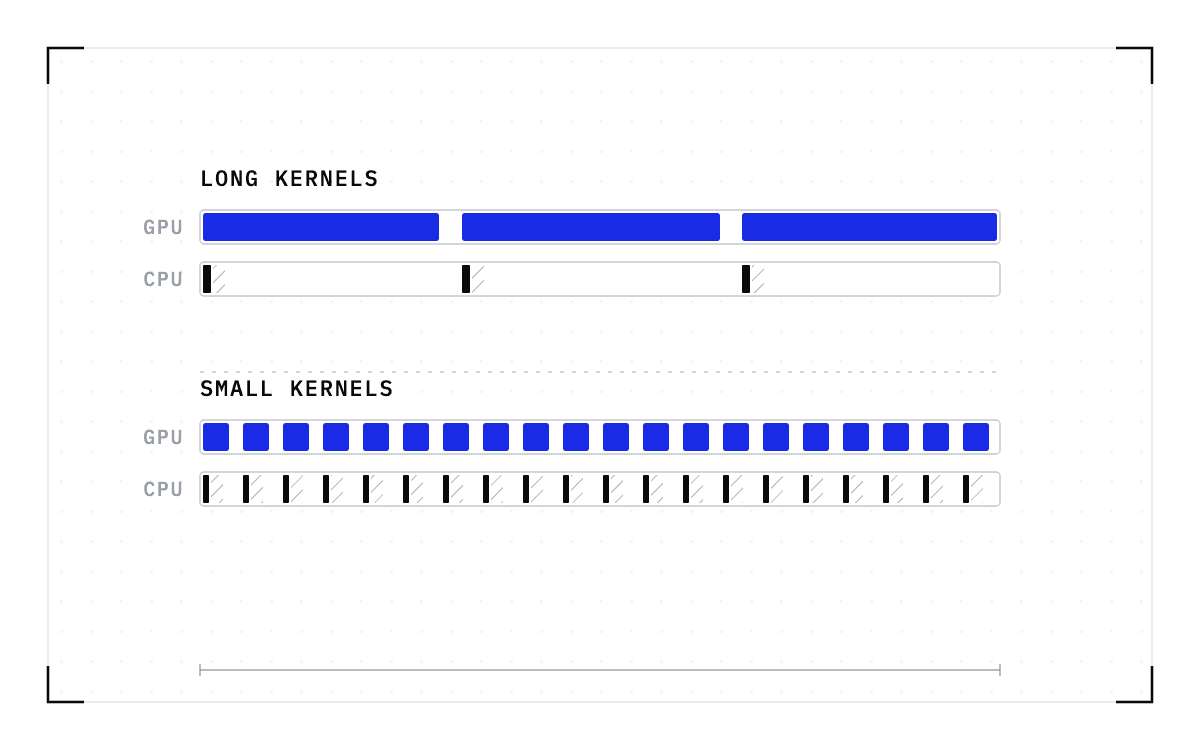
| Short, cheap requests that are quick to redo | Cold start and recompute costs are small, so checkpointing may exceed the benefit | Let an application-layer retry handle it | Our position |
| Time-dependent workloads reading real-time data | A restore continues the saved execution, and the outside clock kept running | Check how the workload gets its data before opting it in | Application-state boundary |
| Third-party job servers with their own job-management layer | Not established either way | Give those jobs their own partition until that changes | Untested |
The top row matters most in agent work, because a checkpoint captures state on the GPU and the machine around it, while an effect already sent to another system sits outside that saved state. If an agent session has opened a pull request, restoring the session cannot undo that action, and it can send the same effect out a second time.
The fix belongs in the application, because the application is the only layer that can prevent duplicate execution. So a workload whose tool calls are not idempotent needs idempotency keys in place before it goes on the list.
Short, cheap requests are the easiest thing to leave off a first list. The cold start and recompute costs are small enough that checkpointing may cost more than it saves, and an application-layer retry handles it. The retry re-runs rather than resumes.
A restore continues the execution that was saved, while a restart from scratch resets to a new execution path, so time-dependent workloads reading real-time data can be affected. The job picks up where it was saved, but the outside clock kept running while it was gone. Where a workload's answer depends on data arriving at the moment it runs, look at that gap before you opt it in.
Third-party job servers that run their own job management remain untested. We can test them during a proof of concept, but they are not on the supported list. Put those jobs in a partition of their own and keep them off the Cedana one.
Two questions have no published answer yet
The first question is whether a checkpoint can be too large to take. Is there a point above which a checkpoint is skipped, and where is that point? Ask us where that threshold sits for the version you would run.
The second question is what a software license does across a restore. Plenty of research software checks out a license from another server before it runs, and a restore resumes a process after a gap, so ask what that process finds when it comes back. Does it still hold the license, or did the lease lapse on the server's heartbeat while the process was gone, and what does the license itself permit? That answer decides whether license-bound software belongs on your list.
Our GPU checkpoint and restore works only for managed processes and containers, and it runs today on NVIDIA GPUs only. Those two limits apply to everything else on the list, and inside them a workload stays eligible until there is a reason to take it out.
A node chosen for the install stays closed to new work while we bootstrap
The install itself has one effect on a node before you opt anything in. On a node you chose for the install, a Kubernetes taint keeps new workloads out while we bootstrap, and the taint lifts only when both of our pods there are ready, so no workload lands on that node before we are able to restore it.
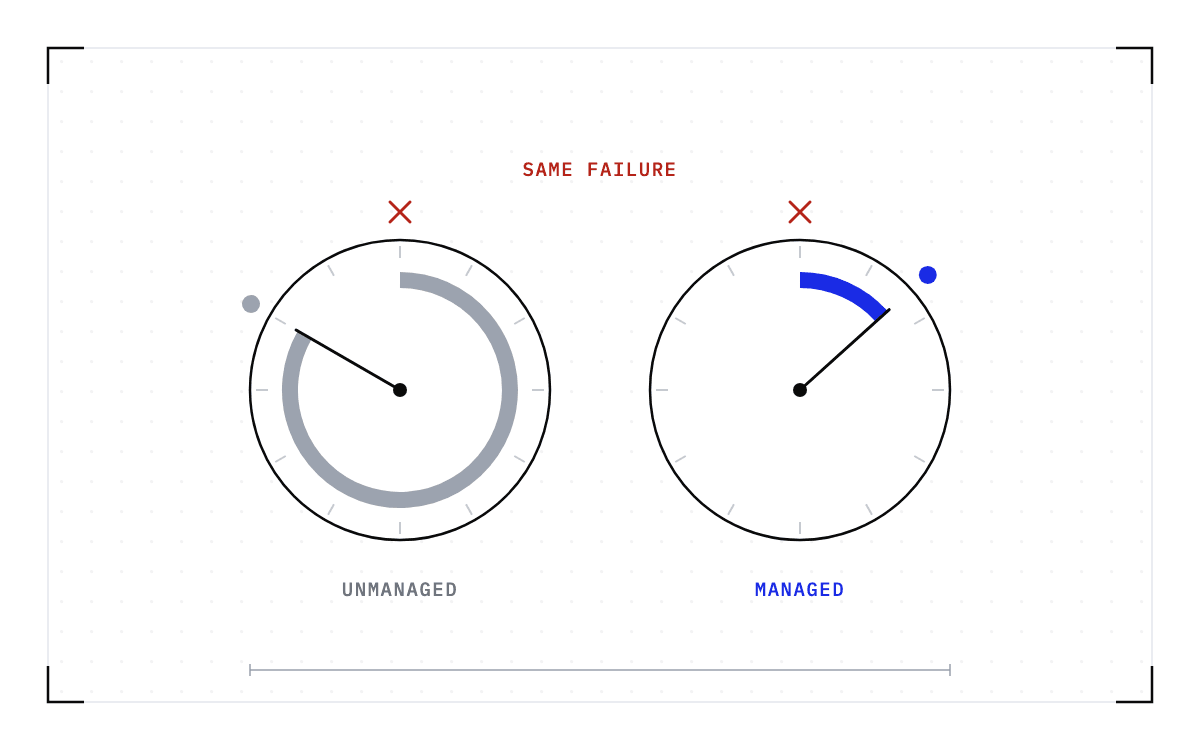
So the only thing that decides what Cedana checkpoints is the list you write. Cedana is automated GPU checkpointing and migration infrastructure that increases the useful work your GPUs deliver. What comes back after a failure is the state on the machine as of the last checkpoint, and your first list decides which workloads that covers. Everything you left off the list runs exactly as it did before.
Common questions
Which GPU workloads should I checkpoint first, and which should I leave alone?
The first workload should be one whose interruption costs the team nothing, such as a non-critical workload in a test queue or a serving worker not yet carrying production traffic. Leave off, at first, work whose outside effects are not yet safe to repeat, short and cheap requests that are quick to redo, and time-dependent workloads reading real-time data. The first of those joins the list once its calls carry idempotency keys, and nothing is checkpointed at all until you opt it in.