At Cedana we’re always looking for ways to improve inference, so when we heard that DeepSeek open-sourced DeepInfer we started working with it immediately. DeepInfer has gotten quite a bit of attention given that a single cluster currently serves 155 trillion tokens per day, with overall revenue of US$38 per GPU-hour (at “valley pricing” or off-peak) (FAQ). DeepSeek open sourced the engine, which supports a single model, DeepSeek-V4.1-Flash. When you have scale, it makes sense to build an engine around a single model. It’ll be interesting to see if this trend continues with other models.
We dug into the deployment Q&A that describes how DeepSeek runs this engine at scale. There are four limits that DeepInfer’s authors have identified themselves. Each of these impact revenue per GPU-hour (billable tokens divided by GPU-hours):
- Restarts are paid for with idle capacity.
- Failure blast radius: a single dead GPU takes down the entire instance.
- Only part of the state survives a failure.
- DeepInfer requires a full stack inference serving layer.
Items 1-3 all waste valuable compute that doesn’t produce revenue: long cold starts and redundant warm replicas; a single GPU that takes down an instance of 8 or more GPUs; lost in-flight sessions and state. Item 4 refers to the fact that this engine doesn’t include the control plane that DeepSeek uses to scale inference profitably. DeepInfer requires a complete stack to maximize revenues at scale, including PD disaggregation, prefix reuse and replica balancing. This stack and the way its run are typically trade secrets for the largest inference companies in the world.
Within 24 hours of release we had DeepInfer running with Cedana on 8x B200, with no changes to the engine or model. An immediate result was we resumed DeepSeek in 36 seconds (866 GiB of GPU state). That number answers the first problem on DeepSeek’s list. The other three are answered by the rest of our platform: stateful resumes that survive node loss, migration off a damaged node, and a checkpoint lifecycle that schedules saves and restores across the fleet. Below, each of the four, and what Cedana does about it.
866 GiB of GPU state on 8x B200, with no changes to the engine or model.
What we measured
DeepSeek-V4.1-Flash, 8x B200, EP8 running in DeepInfer (unchanged). Running under NVIDIA Dynamo. Checkpoint written to tmpfs.
| Result | |
|---|---|
| Restore | 36 s from cold start to ready to serve tokens |
| GPU state restored | 866 GiB |
Source: Cedana measurement, October 2026. Hardware: 8x NVIDIA B200. Engine: DeepInfer.
DeepSeek's release, line by line
The Q&A, the README, and the loader code name four limits of running DeepInfer in production. Here is each one, what it means, and what Cedana does about it.
01 Restarts take minutes, so DeepSeek holds spare capacity to cover them: idle machines kept in the pool, and more instances online than demand requires.
“Fault tolerance comes from PE (prefill engine) / CE quota redundancy plus request-level rerouting, rather than from shortening the restart time of a single engine.. Deployments keep a redundant quota to absorb the impact of traffic swings, in two forms: ready machines held unoccupied in the pool as scale-out inventory, and always keeping more instances online than the computed demand— concretely, scale-in is forbidden whenever quota utilization is above 0.8.”
— DeepInfer FAQ
DeepSeek is one of the most sophisticated inference providers in the world, and this is reflected in how they built their engine. This engine is ruthless about wasted compute. Asynchronous scheduling reduces idle time between steps. Speculative verification is sized per request so it is not spent on tokens that will be rejected. Bounded replay makes recompute a constant 128 tokens no matter how long the context.
Startup times don’t get the same treatment. Weights load serially into host memory and copy one tensor at a time, graph capture waits until loading finishes, and a thirty-minute watchdog stands by in case it hangs.
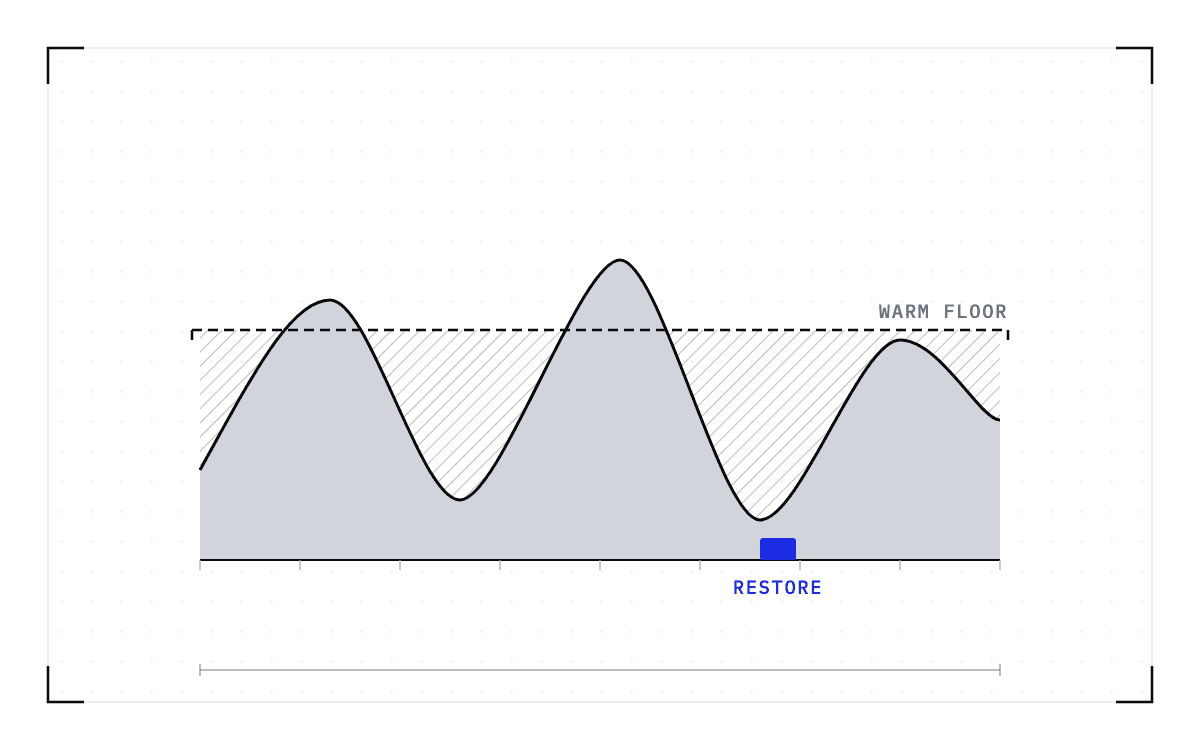
The unoccupied pool means hardware is standing by so a scale-out never waits to find machines. The 0.8 rule means the fleet stops consolidating while it still has capacity, so a demand surge has capacity to utilize before new workers finish loading
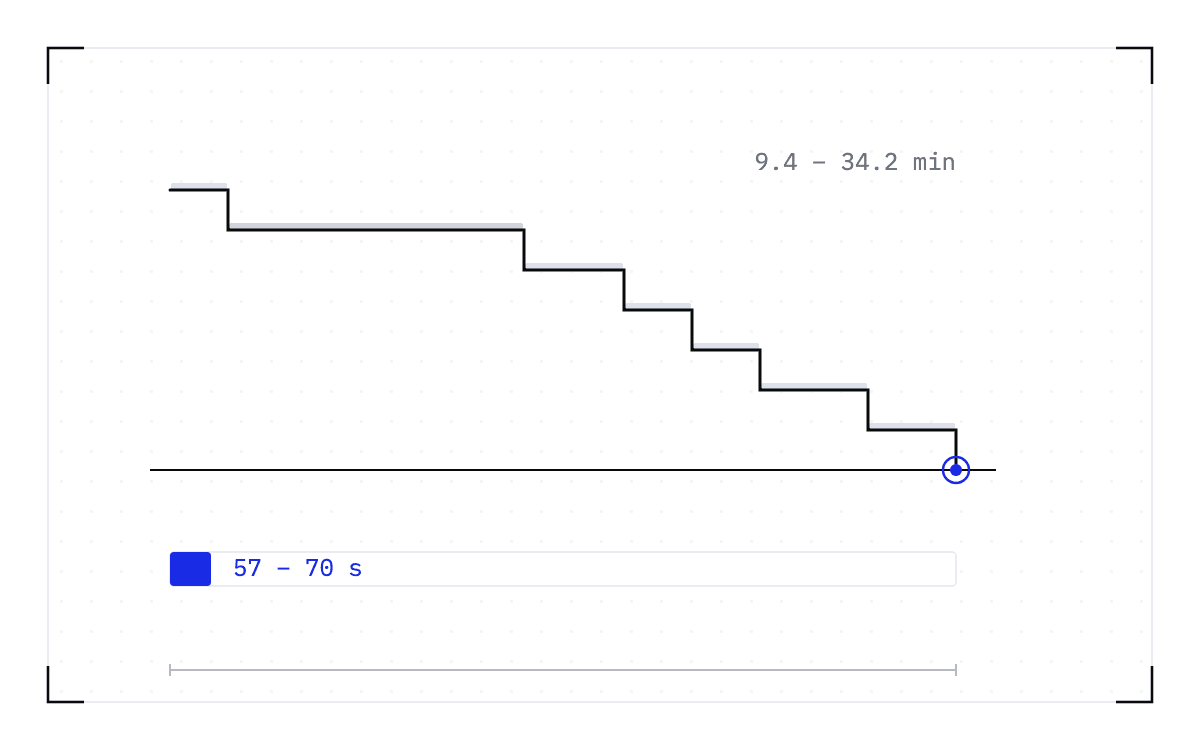
At one model family with steady traffic, starting a worker is less frequent and predictable. Serving a catalog of models makes this much more complex, frequent, and difficult to predict. Each model has varying cold start times and demand shapes. Cedana makes deploying a portfolio of models simpler and faster by collapsing cold starts of frontier models to about ~60 seconds across models, from the typical 10-40min.
02 One failed GPU makes the whole instance unusable. The instance restarts and re-sizes itself to whatever GPUs are still healthy.
“In a large-EP deployment, all GPUs of an instance form a single communication domain, so a single failed GPU makes the whole instance unusable.. On restart, in order to keep the instance’s remaining healthy GPUs in service, the platform re-determines the EP size from all currently healthy GPUs, and the instance takes the number of GPUs it actually receives as its EP size.”
— DeepInfer FAQ
Wide EP cuts per-step memory traffic in the MoE layers, this is demonstrated in their EP8-versus-EP64 curve. Decode runs at EP64 to EP128, so one GPU takes out 64 to 128 with it. That is the price of wide expert parallelism.
They resize after these failures to utilize surviving GPUs in service. Waiting for a full-width replacement means waiting for the failed GPU to be fixed, so they would rather run in a lower rank than run the node idle.
Cedana fast resumes the instance into the lower rank instead of reloading, saving valuable GPU minutes and enabling a fast resize once the GPU is fixed.
03 Only part of the state survives a failure.
“The SWA KV cache does not enter the persistent cache; it stays in the memory of the machine that produced it.”
— DeepInfer FAQ
“..keeps the KV cache unaffected by compute-node failures (compute nodes fail at a rate more than an order of magnitude higher than storage nodes).”
— DeepInfer FAQ
DeepSeek sorted their cache by rebuild costs. The paged block cache is expensive to recompute, so it lives on a storage cluster, because “compute nodes fail at a rate more than an order of magnitude higher than storage nodes.” The sliding-window cache is cheap, so it dies with the machine and is replayed afterward at a cost the FAQ calls “a constant, independent of context length and layer count.” They paid for durability where recomputing would have cost more.
The worker process is handled differently. Restarts run much longer and DeepSeek uses spare capacity rather than a faster restart: fault tolerance “comes from PE / CE quota redundancy plus request-level rerouting, rather than from shortening the restart time of a single engine.” That keeps the fleet serving but doesn’t keep the request alive. Rerouting re-issues the work somewhere else, so the generation in progress is gone even though the cached prefix survives. On a short chat turn that is an invisible retry. On an agent session hours deep it is a failed turn the user has to re-ask.
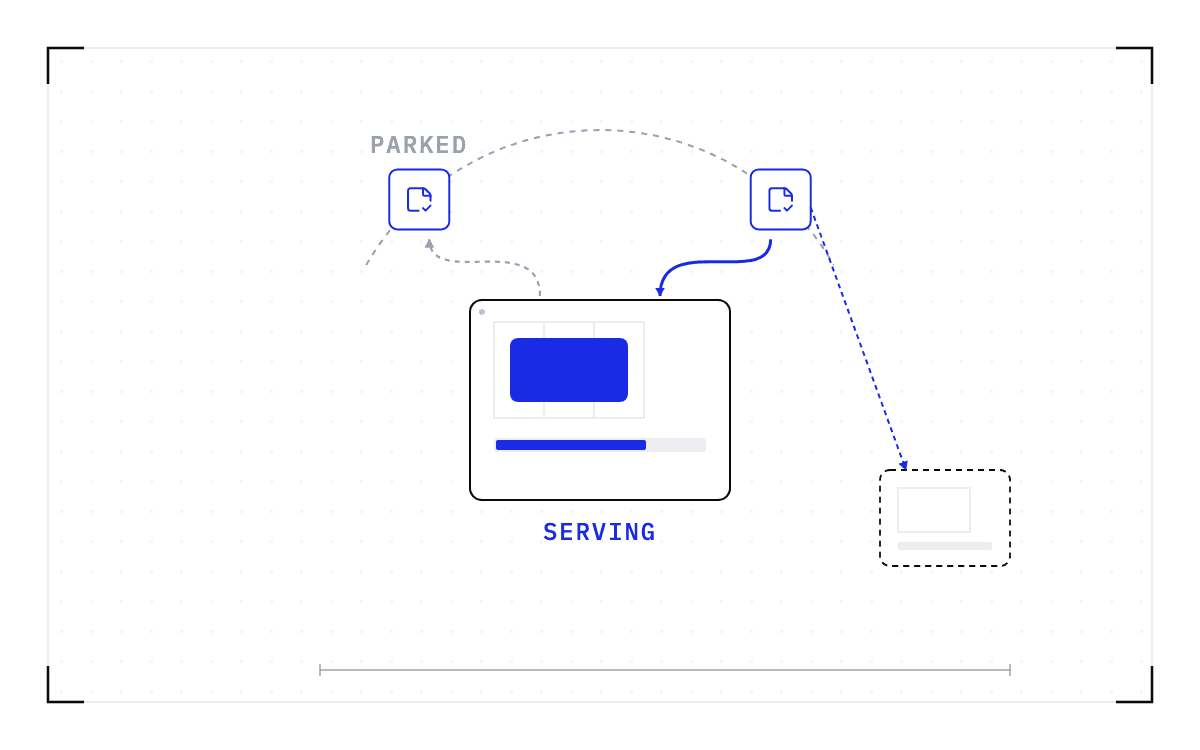
Cedana restores the worker from a checkpoint rather than a cold start, preserving in-flight sessions.
04 The serving layer is not in the release.
The README lists what a complete service needs that is not included in this release:
“Required for a complete inference service (not included in this release): A KV cache system; VE/Prefill/Decode disaggregation (most required engine functionality is already implemented); Load balancing across data-parallel replicas for both prefill and decode.”
— DeepInfer README
“..The KV cache management and load balancing components of the inference system are tightly coupled to our internal infrastructure, so that code is not yet fully open-sourced.”
— DeepInfer FAQ
The engine carries the disaggregation hooks and most of the engine-side work is done. The layer above it is not, so anyone running DeepInfer outside DeepSeek needs to build or integrate with it.
Cedana ships a ready configuration for DeepInfer on NVIDIA Dynamo. Cedana restores the workers underneath. Cedana Storage Express (CSX) routes checkpoints to memory, NVMe, or the POSIX storage you already run. Checkpoints are placed and moved across host memory, local NVMe and durable network storage. CSX works with your proprietary storage layer (if you have one), Hammerspace, VAST and WEKA.
Two pieces are still open. Dynamo runs DeepInfer today but not with prefill/decode disaggregation. The KV cache system the README calls for is in neither the release nor Dynamo.
Run a portfolio of models and engines across your fleet
Cedana supports DeepInfer, SGLang, vLLM, and TensorRT, across all frontier models for GPU and multi-GPU clusters. It works with NVIDIA Dynamo, llm-d, and custom orchestrators. We have prefill/decode disaggregated checkpoint and restore working with Dynamo on vLLM and SGLang today, including PD-disaggregated fast scale-up, which we will cover in a follow-up post.
Scaling frontier models up and down 10 to 30x faster changes the economics of a fleet. When a frontier model on a multi-GPU node starts in about 60 seconds instead of 10 to 40 minutes, you can provision closer to real-time demand.You can measure revenue, cost, and margin per GPU-hour, and dynamically resize model allocations that earns the most inside your latency targets. You can serve agentic workloads with higher throughput, lower costs, and faster results.
Try it
For a deeper discussion on how to improve your cost per token, read The Era of Stateful Inference.
ENGINEERINGThe Era of Stateful Inference: How to Improve Cost per Token.We are entering the stateful inference era, driven by frontier models with longer context windows, longer in-flight sessions, and single instances spanning 8, 16, or more GPUs.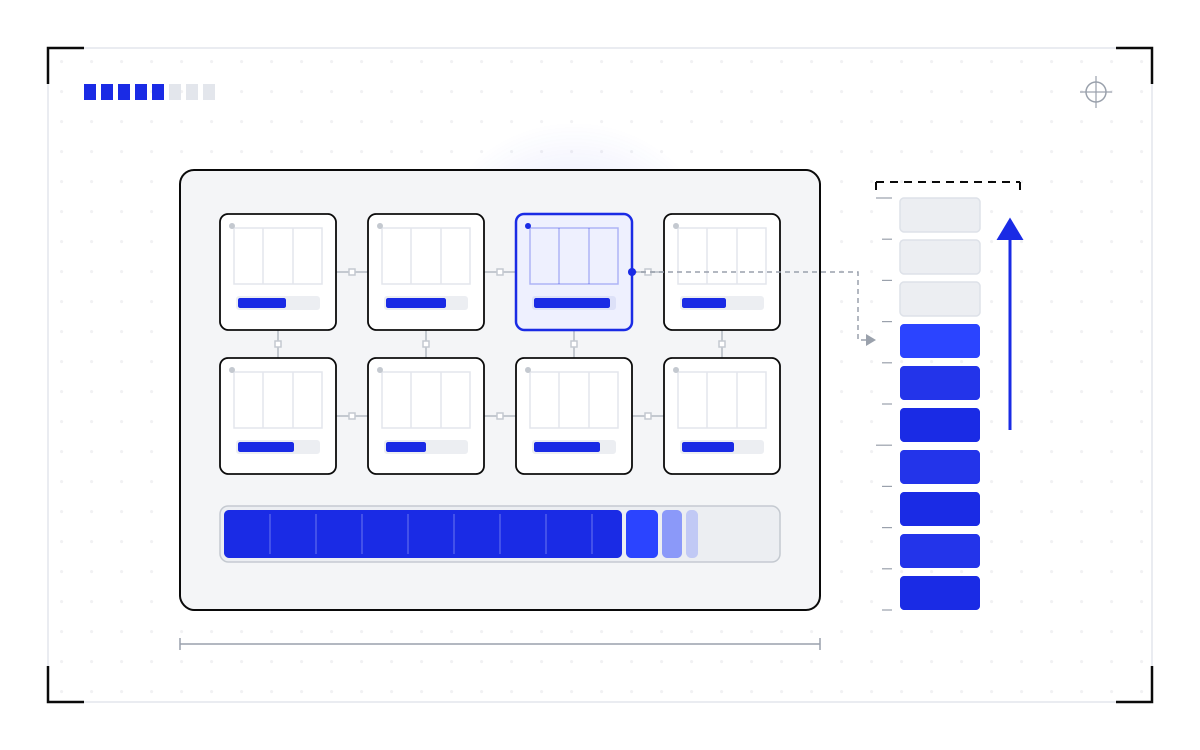
Sources
1. DeepInfer repository. https://github.com/deepseek-ai/DeepInfer
2. Deployment Q&A. https://github.com/deepseek-ai/DeepInfer/blob/main/doc/inference_deployment_qa.md
3. README. https://github.com/deepseek-ai/DeepInfer#readme
4. model_loader.py. https://github.com/deepseek-ai/DeepInfer/blob/main/deepinfer/model_executor/model_loader.py
5. DeepSeek-V4.1-Flash-1017. https://huggingface.co/deepseek-ai/DeepSeek-V4.1-Flash-1017
6. NVIDIA Dynamo. https://github.com/ai-dynamo/dynamo
7. Dynamo v1.5.0 release notes. https://docs.nvidia.com/dynamo/dev/reference/releases/v1-5-0
8. Cedana RTX PRO 6000 benchmark. https://cedana.com/benchmarks/coding-portfolio-rtxpro6000/