TL;DR
- Security sets a patch deadline for your GPU nodes, but the jobs running on those nodes decide when the patch lands, so the maintenance window keeps slipping.
- Patching now kills work that exists only in GPU memory, and waiting for the jobs to finish leaves the vulnerability on every unpatched node. So most teams batch the fixes into a window that comes round monthly, quarterly or once a year.
- When the workloads on a node can be checkpointed and resumed elsewhere, the node hands over empty in minutes. The patch date then follows the severity of the bulletin instead of whichever job is still running.
- In this piece we walk through why a patch destroys the work on a GPU node, what the wait costs across a fleet, and how moving the work first turns a cluster-wide maintenance window into a rolling sweep. We also cover why the driver change itself does not need the checkpoint to cross it.
A patch destroys the work running on the node
Patching a GPU node means taking it down, and the work running on it does not survive the reboot. On a serving node, VRAM, the memory on the GPU itself, holds the model weights, the key-value (KV) cache behind every session, and the computation in flight. Inference workloads now accumulate session-scoped state that lives only in VRAM. That state can be reconstructed only by redoing the work, and any interruption destroys it.
A reboot for a driver update is an interruption like any other. When a maintenance window hits, all of that is gone, and the workload starts from scratch.
So you get two moves: apply the fix now and kill whatever is running, or let the jobs finish and carry the vulnerability until they do. What you are deciding is how severe a vulnerability has to be before you tell everyone the cluster is going down.
Most teams wait, and waiting is a considered choice rather than negligence. You let the jobs finish and batch the fixes into a window that comes round rarely, so the fleet runs the known vulnerability until that window arrives.
The window comes round monthly, quarterly, or once a year
Across the clusters Cedana has worked with, the patch window arrives on very different schedules: monthly at one site, quarterly at another, once a year at a third.
| Site | Patch window | What waits for it |
|---|---|---|
| A university supercomputing center | Monthly, on a fixed Wednesday | Utilization, which its administrators see start to fall about 2 days before each window as the cluster drains |
| A Fortune 100 pharma research cluster | Quarterly | Any job that might run into the window, held behind scheduler reservations set more than 2 weeks ahead |
| A university cluster now trying to move to monthly | Yearly | Every fix, batched into a single window a year |
The vulnerability sits on the fleet while the patch waits, and the GPUs go quiet in the days before the window while the cluster empties itself. At a second university cluster, some users wait until the window has finished before they submit anything, rather than risk losing a run to it.
The three sites in the table show how far maintenance schedules differ, and that is all they show. They do not establish a fleet-wide ranking of interruption causes or a universal monthly cadence. Neocloud operators also need to plan for inference-engine and driver updates on their own release schedules.
A deferred patch leaves a vulnerability on every unpatched node in the fleet
NVIDIA publishes security bulletins for its GPU drivers and software, and its security page recommends "following the guidance given in these bulletins regarding driver or software package updates, or specified mitigations". Installing a driver update means taking the node down, so a fleet that cannot take a node down on demand cannot follow that guidance on the bulletin's schedule.
The cost of the delay is the length of the wait multiplied by the size of the fleet. One deferred bulletin counts once for every node still waiting on it, so a quarterly window across a large cluster leaves a late patch on every node in it.
A fixed cadence holds only until a critical bulletin lands. If that bulletin cannot wait for the next window, you are back to choosing which running jobs to interrupt.
Move the work, then patch
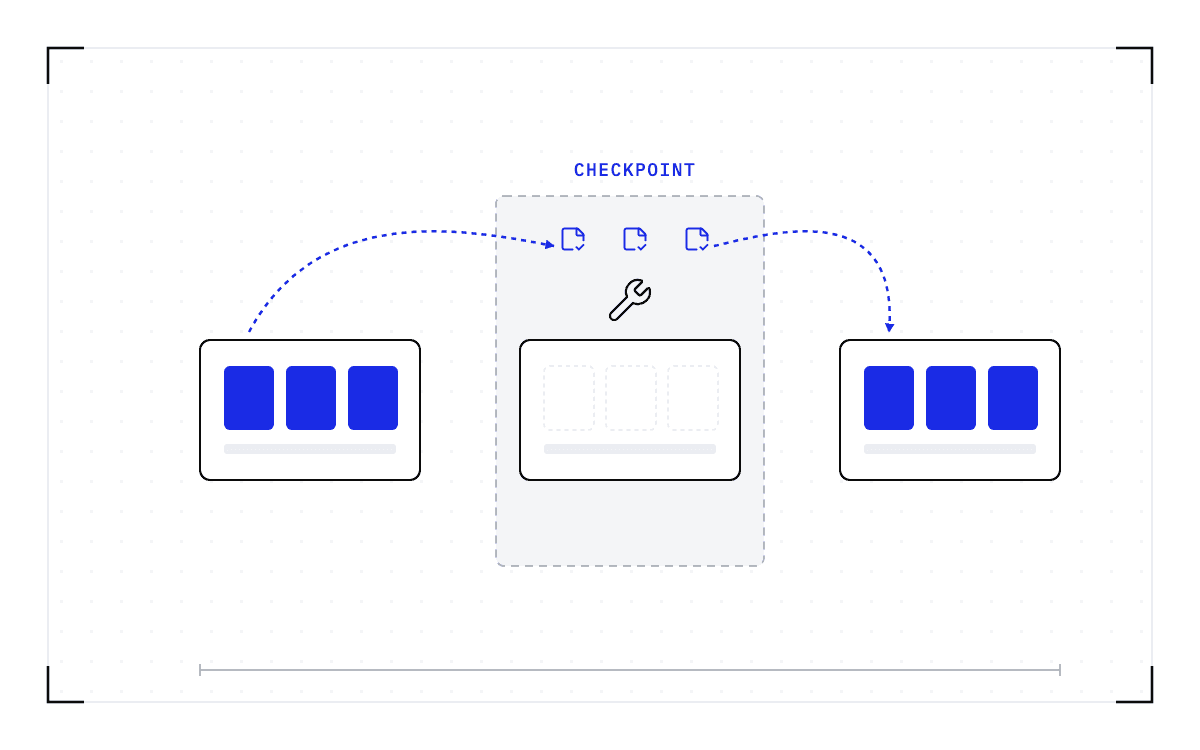
The third move is to take the work off the node first and hand the node over empty. Checkpointing means saving the full running state of a workload so it can be brought back later, on the same machine or a different one. When the workloads on a node can be checkpointed and resumed elsewhere, the window follows the security team's schedule.
- Security schedules the patch window.
- The workloads on the node are checkpointed and resumed on healthy capacity, which hands the ops team an empty node in minutes.
- The node is patched and returned to the pool.
Nobody waits for a job to finish, so the drain becomes a scheduling decision. You still announce the window, and the restore is still downtime for the sessions that move.
One node with three moves: apply the fix now and the workload starts from scratch, let the jobs finish and the fleet runs the known vulnerability, or take the work off the node first and the window follows the security team's schedule.
The three moves
A plain kubectl drain will not do this. Draining a Kubernetes node evicts the pods, and eviction destroys the GPU state they were holding, so the evicted pods die exactly as they would have in the window. Draining without killing the work means checkpointing the workloads at the system level first, so each evicted pod comes back on another node instead of starting over. Cedana provides a documented automatic checkpoint-and-restore path for both Kubernetes and Slurm.
Run the same three steps node by node and the full cluster outage becomes a rolling sweep, with the cluster serving the whole way through. Jobs run until shortly before the window and resume after it instead of being held for days, so the pre-window drain and the freeze on submissions lose their reason to exist. No code is modified. The researcher's workflow does not change.
On one node of 8x B200 GPUs, our published benchmark records Kimi K2.6, a trillion-parameter model with a 670 GiB checkpoint, coming back from its checkpoint in 63 seconds, against a 20.3-minute native start on the same hardware. Those runs kept their checkpoints in tmpfs, a file system that lives in the node's own memory, so that time covers the restore itself and not a fetch from disk or across a network.
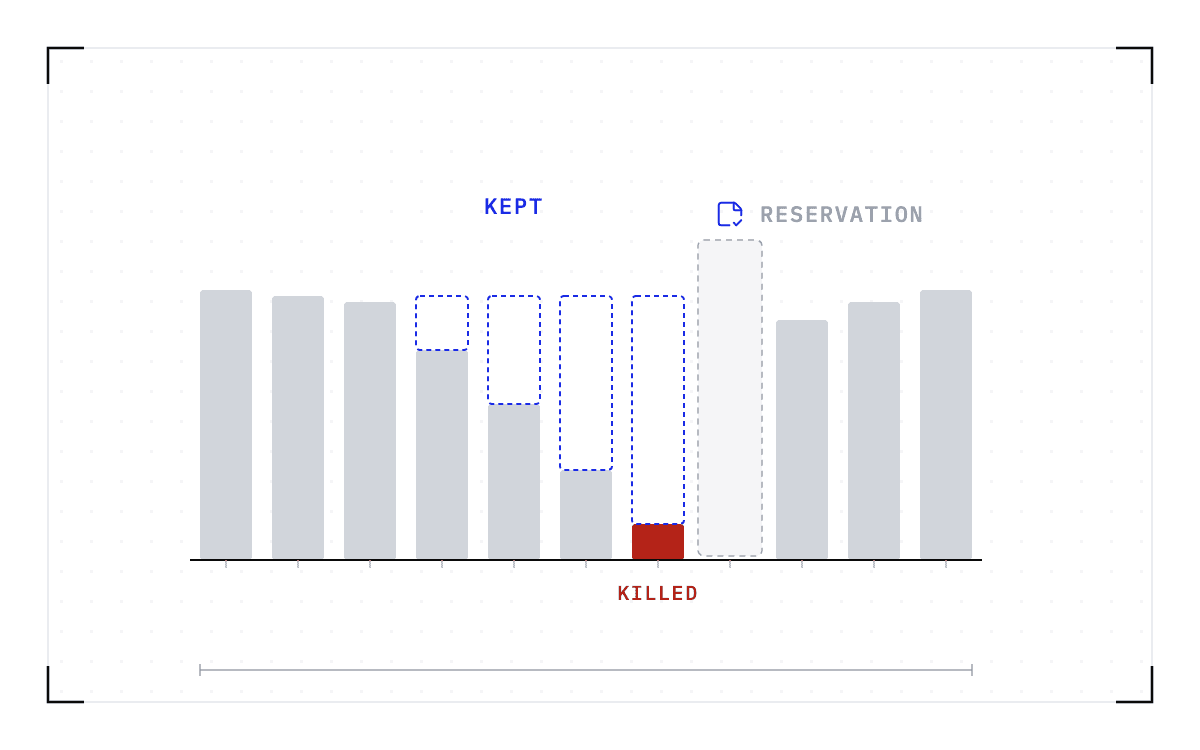
Two bars on an axis of minutes: coming back from the checkpoint takes 63 seconds against a 20.3-minute native start on the same hardware.
The restore on the benchmark node
63 seconds from the checkpoint against a 20.3-minute native start, on one axis of minutes.
If your patching is audited, scheduling the window ahead of time also gives you the evidence. You can name a date for each pending patch, and afterwards show that the work survived the window.
The checkpoint does not cross the driver change, and the patch flow does not need it to
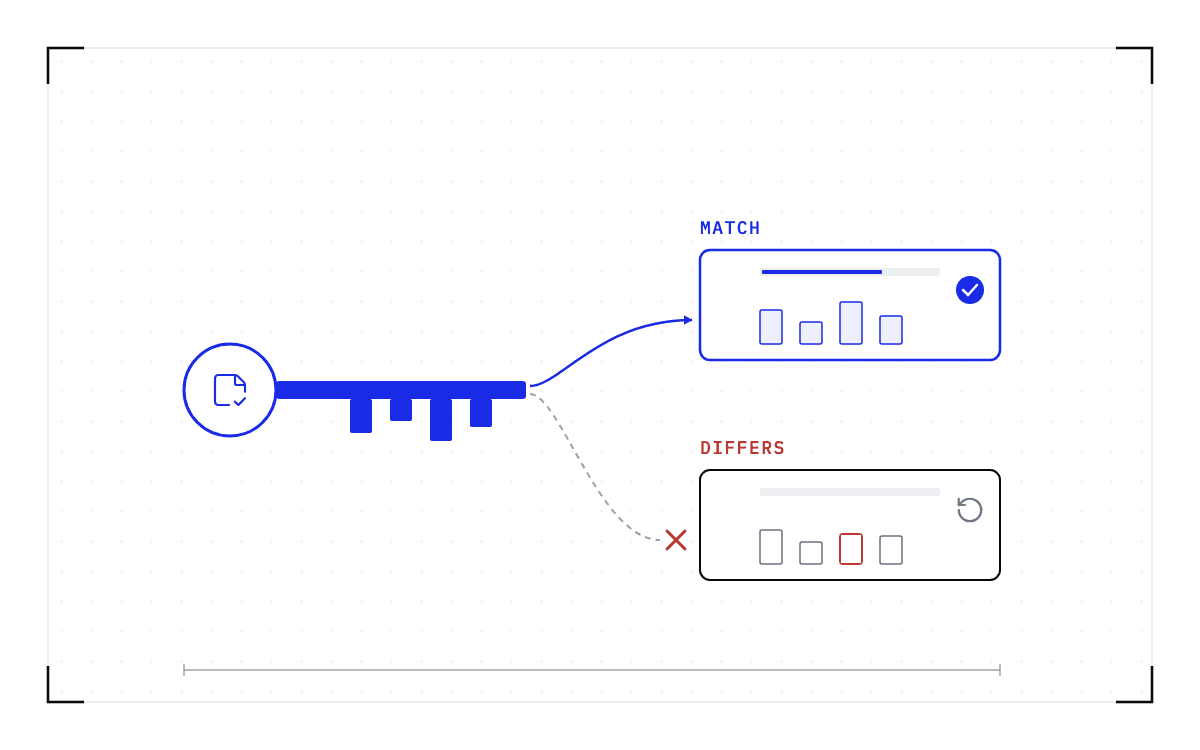
A checkpoint records the GPU, driver, engine and model versions it was taken against. If any of them changes, the checkpoint is invalid and the workload cold-starts instead.
The maintenance sequence never asks a checkpoint to cross that change. The workloads move to nodes still running the versions their checkpoints were taken against, and the patched node comes back into the pool and takes fresh work. That needs nodes left on the old version to receive them, so a driver upgrade moves through the cluster in groups, and the workloads still running when the last group is patched either finish first or cold-start on the new driver.
The severity of the bulletin sets the patch date
The question you started with, how severe a vulnerability has to be before everything shuts down, exists only because patching destroys work in flight. When the work can move onto nodes still running the old versions, nobody has to price a vulnerability against a week of computation, and the jobs on the last group to be patched still finish first or cold-start.
Today a fleet can start workers and kill them but not move them, which is why the patch waits on the job calendar. Checkpointing is what turns the kill into a move. Cedana is automated GPU checkpointing and migration infrastructure that increases the useful work your GPUs deliver. On a patch window, that means we save the full state of a running workload and bring it back on healthy hardware, so security picks the date and the node is patched and returned to the pool. Your next critical bulletin then lands on a window you scheduled, instead of on whichever job on your cluster is still running.
Related:
- Draining a GPU node in Kubernetes without losing the work on it
- Rebooting Slurm nodes for a kernel update without losing the running jobs
- Why an NVIDIA GPU Operator upgrade waits for your workloads
- Driver, CUDA, and engine upgrades with workloads running, and the one limit
Common questions
When a node running a long-lived workload gets drained or rebooted for maintenance, how do I get it through without losing its progress?
Checkpoint the workloads at the system level before the drain and restore them on a compatible node, and each evicted pod comes back where it stopped instead of starting over. Without that, a maintenance drain evicts the pods on the node, and eviction destroys the GPU state they were holding, so the jobs die exactly as they would have in the window.