TL;DR
- Running a model at lower precision raises the peak arithmetic a chip can do and frees memory. So a quantized configuration looks strictly faster before you have measured anything on it.
- That peak is a ceiling printed on a specification table rather than a speed any deployment reached, and it says nothing about what the model still gets right.
- Quality, latency, throughput and memory headroom move together, so a faster configuration is not automatically a better one. No published accuracy figure transfers to your model and your task.
- What changes is the order of work: you set the task-quality bar first, then measure quality and performance on the same runs, on your own workload.
- In this piece we walk through what lower precision buys you, where serving recipes already configure it, and why those four quantities are coupled. Then we cover why a borrowed accuracy figure does not transfer, and the five checks that settle the question on your own deployment.
Lower precision raises the arithmetic ceiling and frees memory
When you run a model at lower precision, the numbers it stores and multiplies are held in fewer bits, and the chip's peak arithmetic throughput goes up. NVIDIA's Blackwell datasheet gives a single B200 an FP4 Tensor Core peak of 18 petaFLOPS against 4.5 petaFLOPS at FP16/BF16. Both are the datasheet's with-sparsity figures for that part, so the two rows are read the same way, and the FP4 peak is four times the FP16/BF16 peak. That division is ours rather than a printed row.
The FP4 Tensor Core peak on a single B200 is 18 petaFLOPS, drawn as four equal blocks under one bracket, the first of which is 4.5 petaFLOPS at FP16/BF16. That division is ours rather than a printed row.
18petaFLOPSFP4 Tensor Core peak on a single B200
That division is ours rather than a printed row.
18 petaFLOPS at FP4 against 4.5 petaFLOPS at FP16/BF16, drawn as four equal blocks. That division is ours rather than a printed row.
That ratio is why a quantized configuration looks strictly faster to you before you have measured what the model still answers correctly. It is a ceiling on a specification table rather than a speedup measured on a workload, so it carries no information about output quality.
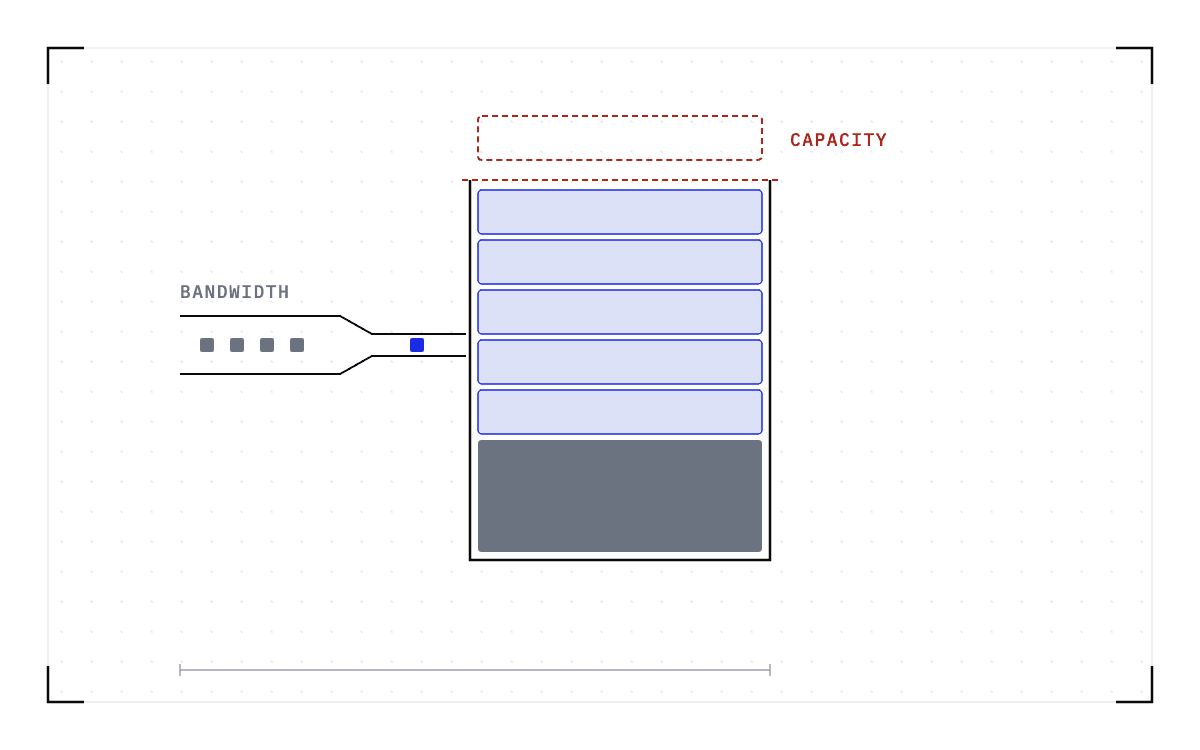
Lower precision also saves memory, because weights held at lower precision occupy fewer bytes. The key-value (KV) cache, which holds the working state of every request in flight, grows more slowly with those requests when you store it at lower precision too. Both free capacity on the GPU you already have.
The speed side is already configured in recipes people run
Reduced precision is not an exotic tuning move, and you do not have to go looking for it. The SGLang cookbook, the public set of per-model serving recipes for the SGLang engine, configures it in three separate places.
| What is quantized | Where the cookbook configures it |
|---|---|
| The weights | The DeepSeek-V3.2-NVFP4 page, which uses ModelOpt FP4 quantization |
| The KV cache | The DeepSeek-V4 page, which lists mxfp8 among its dtype options |
| The mixture-of-experts math | The same page, which lists an FP4 path, --moe-runner-backend flashinfer_mxfp4 |
None of the three is a recommendation, ours or anyone else's. Each one is what a single page configures at one version of the engine, and the cookbook says as much about its own commands: "Because commands are generated from data and pinned to an SGLang version, exact flag values change per model release and engine version."
So a flag you read on that page describes one version of the engine and nothing beyond it. When the engine version or the model release changes, you cannot assume you are still running the configuration you validated. The speed side of this trade is already committed in setups people run, which makes what it costs in quality an operating question for you rather than a research one.
A faster configuration is not automatically a better one
Every serving configuration you set is held to two budgets at once, a performance budget and an accuracy budget. The performance budget is the set of numbers you hold that configuration to, tokens per second, latency under load, and memory headroom. The accuracy budget is how much task quality you are willing to give up to hit them, and in most teams it gets checked after the performance work is done.
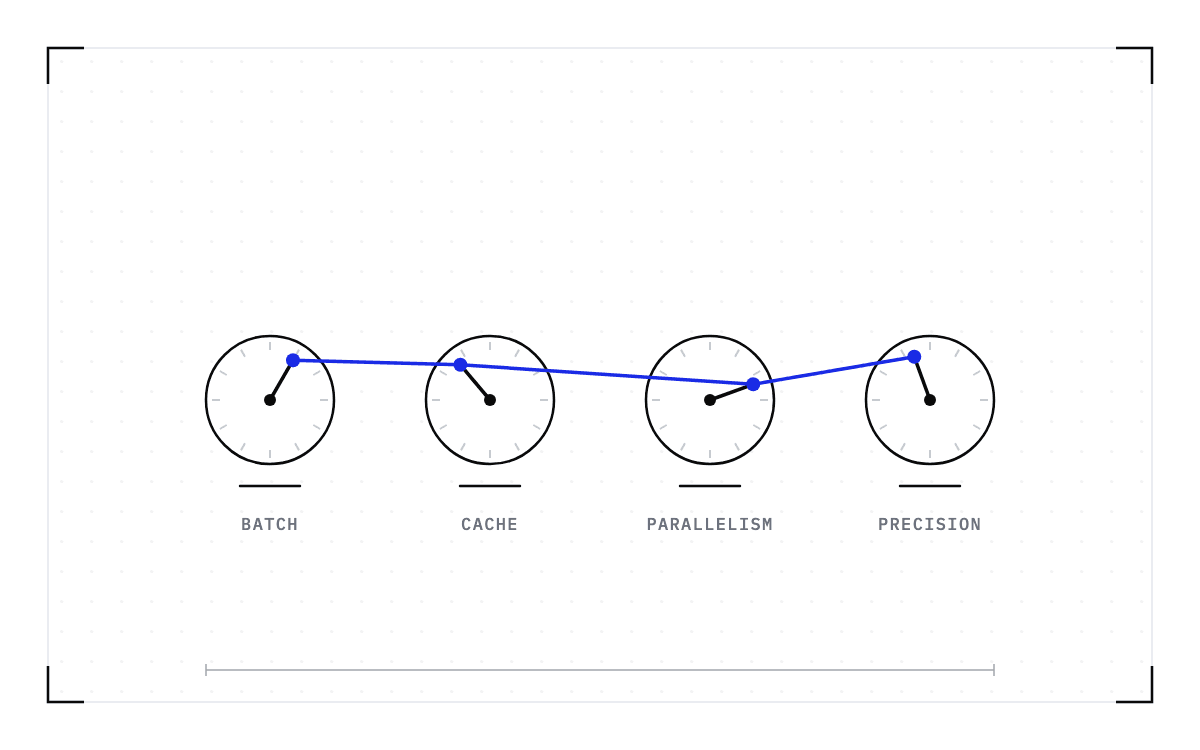
Checking the accuracy budget last treats those four quantities as independent, and they are not. Fewer bits per weight means fewer bytes to stream per token, which is where a throughput gain comes from, and the memory that the smaller numbers free has to be spent on something. Spend it on a larger batch and throughput rises, and where the engine lets the batch fill before it runs, each request waits longer for its slot, so latency at the tail rises with it. Give it to context length instead and each session holds more, so fewer sessions fit at once.
The same coarser arithmetic can also change the model's output, so a single headline number, tokens per second at a fixed batch size, reports one of the four quantities and hides the rest. It does not say where the freed memory went, or what latency did once the batch filled up, and it says nothing about whether answer quality was preserved. A configuration has not been shown to win until you have measured quality alongside the other three, on the same runs.
No published accuracy figure transfers to your deployment
Reduced precision can change what a model gets right, and how much it changes depends on which model you are running, which part of it you quantized, and what you are asking it to do.
The three rows in the cookbook table above are three different changes rather than one change made in three places. Quantizing the weights changes the numbers the model was trained to hold, while quantizing the KV cache changes what it accumulates as it serves a session. The expert-math path is a third change again, because it applies the coarser arithmetic to part of the model and leaves the rest of it alone. Put any one of them on a different model and the effect on quality becomes a different question with a different answer.
Tasks pull on different parts of a model, so the same model with the same flags can clear one team's bar and miss another's. Every published accuracy figure belongs to the model, the method, and the task it was measured on, so moving it onto your deployment turns it from evidence into a guess.
Set the quality bar before you touch a flag
The only accuracy figure that means anything for your deployment is one you measured on your own workload, against a bar you set before you started. Five checks get you there.
- Write the task-quality bar down first, in the terms of the work. For a coding model that is usually the test suite, which either passes or fails. For a customer-facing model it is the outputs a customer accepts. A bar chosen after the numbers arrive is a bar chosen to fit them.
- Change one thing at a time. The weights, the KV cache dtype, and the expert-math backend are three separate changes, so moving two of them together leaves you unable to say which one moved the result.
- Run both configurations on the same model, the same workload, and the same hardware. A comparison across two nodes, or across two batch sizes, measures the nodes or the batch sizes.
- Measure quality and performance on the same runs. Numbers from separate runs do not describe the same load, and the load is what the latency figure depends on.
- Report each result with the model, the hardware, the precision, and what the clock measured. A number without that basis cannot be compared with anyone else's, or with your own next run.
Run the five again whenever the engine version or the model release changes, because the flag values change with them.
Both budgets start after the model is up
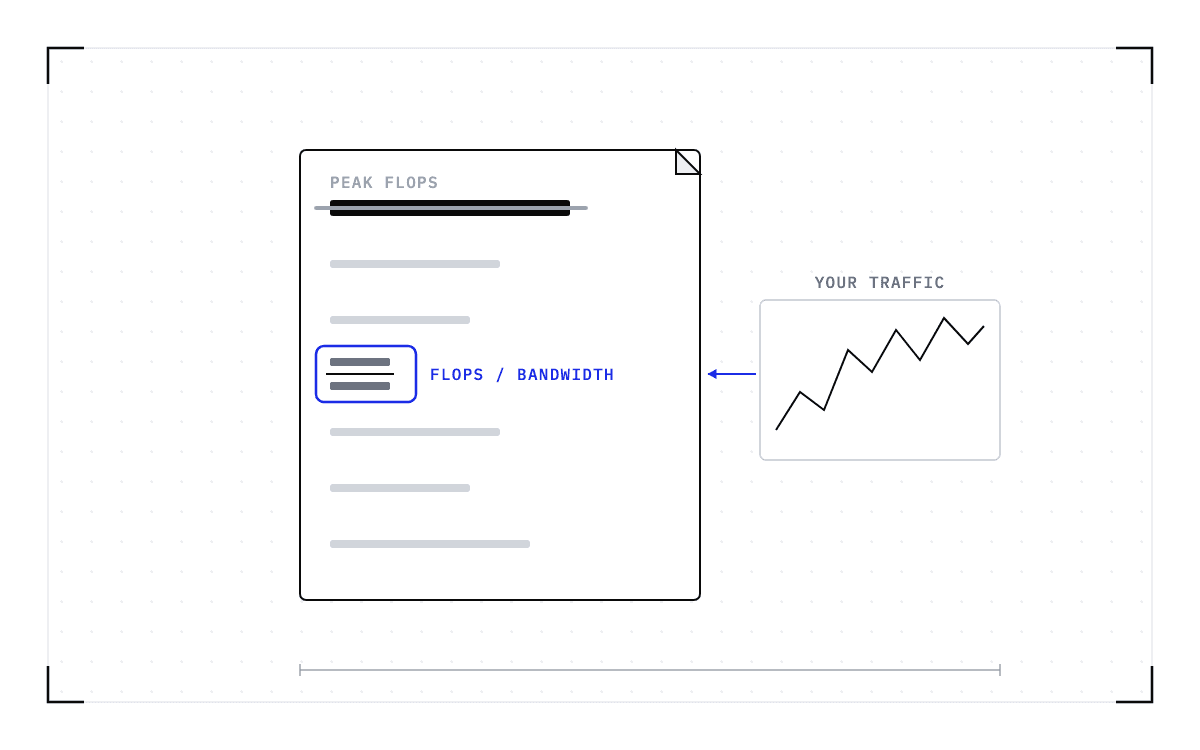
Everything the two budgets measure happens on a model that is already resident and already serving. The throughput half of the trade is usually reasoned about with the roofline model, which sets a chip's compute ceiling against its memory bandwidth ceiling and shows which of the two a workload is running into.
The roofline assumes steady state. Cold starts, failures, and immobility, meaning work that cannot move off the hardware it started on, fall outside the model, so no point on the graph shows them. The quality and performance numbers you take on a precision change do not show them either.
So the hours a GPU spends not serving sit outside both budgets, and nothing you measure on a precision change will price them. Those hours are what we work on at Cedana. Cedana is automated GPU checkpointing and migration infrastructure that increases the useful work your GPUs deliver. We save the state of a running workload and bring it back on other hardware, so less of a GPU's day goes on getting ready to serve. Whichever precision you settle on, it only produces tokens while the model is up, and the time your deployment spends getting there is a number you have to measure separately.