TL;DR
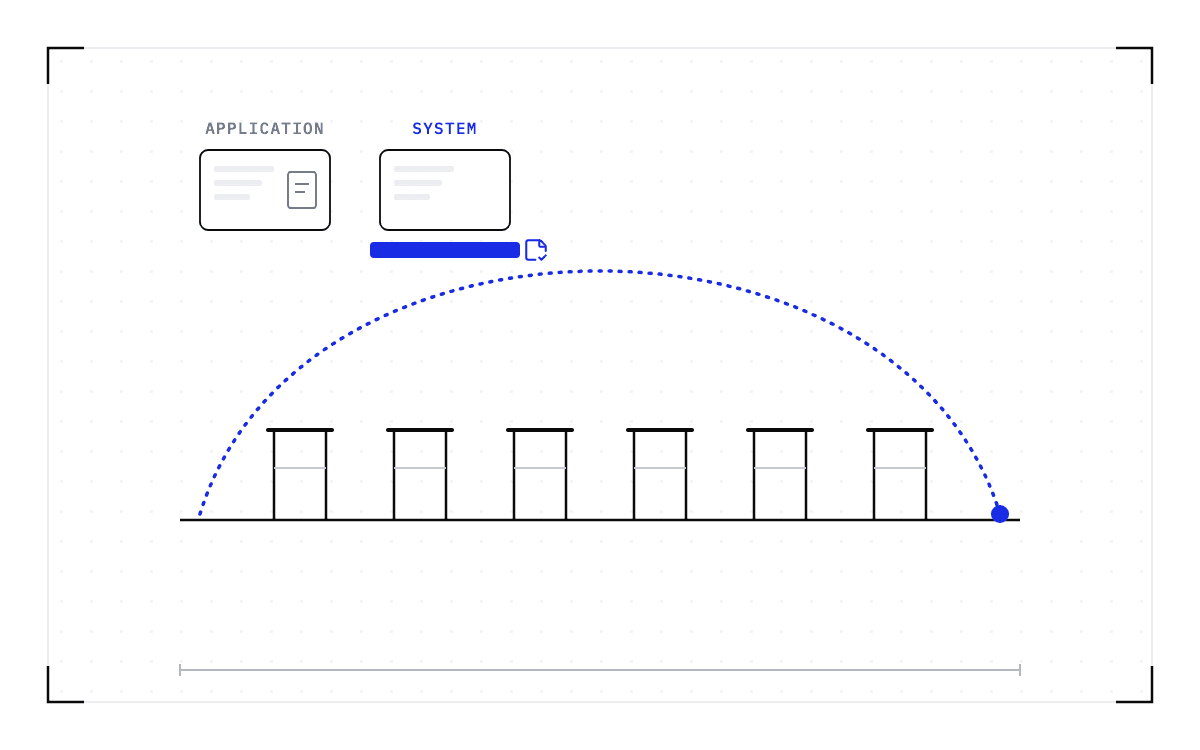
- Your Slurm job will be killed when it reaches its time limit, and nothing you do afterwards brings the work back. So you have to pick one of four ways to save it while the job is still running: the program's own checkpoints, a workflow manager, DMTCP, or a system-level checkpoint.
- Three of the four stop short of the running process. An application checkpoint exists only where the program's own authors wrote one, and a workflow manager returns you to the start of the step that was running. DMTCP covers CPU processes on a single node and does not checkpoint CUDA.
- A system-level checkpoint is taken below the program, so it saves the whole running process, GPU memory included. The program needs no checkpoint code of its own.
- In this piece we walk through what application checkpoints, workflow managers, DMTCP and system-level checkpointing each cover on a Slurm cluster, what each one asks of you, and where each one stops.
Which of the four keeps a GPU job alive through a time limit?
A job on a Slurm cluster is killed when its time limit expires, when a node fails, or when a higher-priority job preempts it, and none of the four ways of saving it can be added to a job that has already died, so you pick one while the job is still running. Only one of the four saves the whole running GPU process, memory included, and that is a system-level checkpoint. The other three each stop somewhere earlier, and where each one stops is what you have to check against the work you run.
| Application checkpoints | Workflow managers | DMTCP | Cedana (system-level) | |
|---|---|---|---|---|
| What it is | Application-level checkpointing, meaning saving and restart code written into the program by its own authors | A pipeline runner that records which steps finished and skips them on the next run | Transparent checkpointing of a running process from outside, with no change to the program | System-level checkpointing below the program, capturing the whole running process, GPU memory included |
| What it covers | Only the program that ships it | Whatever the pipeline's steps run | CPU processes on a single node. The NERSC examples are CPU-only, and MPI needs the MANA plugin | GPU workloads on NVIDIA GPUs, one GPU or several in one node |
| What you have to do | Know the flag exists, size it to your allocation, and write a restart script that asks for the resume | Write the work as a pipeline in Nextflow or Snakemake, then rerun with resume | Launch the job under DMTCP and wire up the Slurm side with --requeue and --signal | Nothing inside the program. Keep using sbatch and squeue |
| Where it stops | Programs with no checkpoint path, and the work done since the last save | Inside a long-running step | GPU state, MPI without MANA, and dynamic linking requirements | The limits set out in What cannot be checkpointed in a GPU workload? |
| Who documents it | The program's own manual, GROMACS's for example | The Nextflow and Snakemake projects | NERSC, Georgia State, and the DMTCP project | Cedana |
The program saves itself
GROMACS is the model for a program that saves itself. Run gmx mdrun with -maxh set to the length of your allocation and the program stops itself and writes a checkpoint file just short of the limit. gmx mdrun -cpi reads that file back and continues in the next allocation, and the GROMACS user guide documents both flags.
Every other program has to do the same thing for itself. A research computing center supporting dozens of applications has to decide what to save and when for each one. If the program you run has no checkpoint path, there is nothing to resume from, and where one does exist, the work done since the last save is gone either way.
A workflow manager skips the steps that already finished
The top answer on the r/bioinformatics thread about checkpointing Slurm jobs recommends a workflow manager: "Both Nextflow and Snakemake have checkpointing". A reply in the same thread marks where that stops: "in nextflow, the checkpoint is at the level of a process, so resume is never going to (for example) pick up STAR mapping where it left off. It'll skip any earlier steps that completed though." So a Nextflow resume returns you to the start of the step that was running, and that is no help when the step that was running is the long one.
DMTCP checkpoints a running process from outside
DMTCP does transparent checkpointing, meaning it saves a running process from outside with no change to the program, which is why university pages recommend it for programs with no checkpoint path of their own. NERSC documents it for Slurm with --requeue and --signal, so the job checkpoints itself before the kill arrives and comes back requeued. The NERSC examples are CPU-only, and the same page states the MPI limit. "MPI applications require additional functionality provided by the DMTCP plugin MANA".
GPU support exists only in an experimental branch. Georgia State documents the standard release plainly: "Cuda applications are not supported right now with DMTCP. So, PyTorch, TensorFlow, keras that use GPU cannot be checkpointed with dmtcp." DMTCP's release notes identify CRAC as a highly experimental branch for CUDA checkpointing and direct readers to the developers for its plans.
An administrator on r/HPC says that for single-node jobs it "seems to work OK. MPI jobs? Forget about it." A user on the r/bioinformatics thread got a "segmentation fault (core dump)". So DMTCP reaches a single-node CPU program that has no checkpoint code of its own, and it does not reach a CUDA job.
A system-level checkpoint takes the whole process, GPU memory included
System-level checkpointing lives below the program, so what it saves does not depend on anything the program's authors wrote. The capture includes the memory on the GPUs and the CUDA context around it, the process and its own memory, its open files and network connections, and what the scheduler knows about the job. Nothing in the program changes, so you keep submitting with sbatch and watching the queue with squeue. The restore has to land on a compatible node, and the rest of the boundary is in What cannot be checkpointed in a GPU workload?.
Of the four, the system-level checkpoint is the only one that asks nothing of the program, and that is the one we build at Cedana. Cedana is automated GPU checkpointing and migration infrastructure that increases the useful work your GPUs deliver. On a Slurm cluster that means the capture covers the whole running process, GPU memory included, for a program whose authors never wrote a checkpoint path. We have demonstrated our own system-level checkpoint and restore on GROMACS, the program that ships its own wall-time flag, and on Boltz-2, with no code change in either, so the program you need to keep alive does not have to be one that can save itself.
The single-GPU and multi-GPU-on-a-single-node tiers ship in production today. Multi-node, where a single workload spans hundreds or thousands of GPUs across many nodes, is in design partnership with leading enterprises and neoclouds. If your jobs span nodes and this is the case you need solved, talk to Cedana about a design partnership.
Related:
- Your Slurm job was cancelled due to time limit. What to do now
- Slurm has no suspend option for GPU jobs. What preemption without killing the job looks like
- GROMACS shows both the value and the limit of application checkpointing
- Stateful AI has the same boundary problem as long HPC runs
- Measuring the cost of wall-time termination from your sacct data
- A 90-day wall-time PoC: what to measure before you change policy
- System-level vs application-level GPU checkpointing: the category and the bar
- What cannot be checkpointed in a GPU workload?
Common questions
My job will be killed when it hits its time limit or gets preempted, and I will lose all the progress since my last save. How do I make it save its state so it can pick up where it left off?
You have four options and they do not cover the same ground. If your program writes its own checkpoints, restart from them. If it does not, a workflow manager returns you only to the start of the step that was running, and DMTCP will not checkpoint a CUDA job at all. A system-level checkpoint is taken below the program, so it captures the whole running process, GPU memory included, with nothing inside the program changing and you still using sbatch and squeue. That is what Cedana does, on one GPU or several in a single node, and the restore has to land on a compatible node.