

cedana / blog · field reports & engineering deep-dives

Writing from the
cedana team.

Engineering notes, benchmarks, and field reports covering how we build the automation layer for AI factories.
Featured
All posts · 98

insights from the team.

Field reports, engineering deep-dives, and benchmarks from the Cedana team.
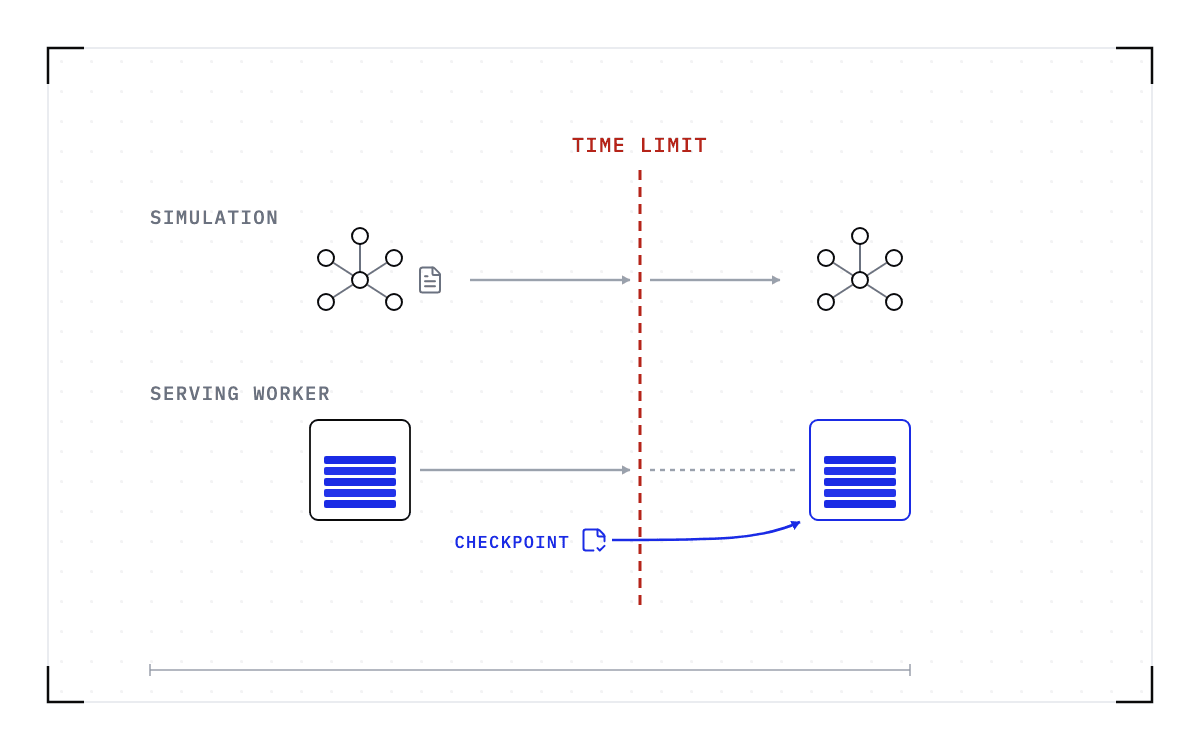
Cedana. Blueprint of a red dashed vertical line marked time limit with two horizontal lanes crossing it. In the upper lane, marked simulation, a small molecule of joined circles carries a document past the line and appears whole on the far side. In the lower lane, marked serving worker, a GPU worker stacked with blue slabs approaches the line and only a dashed outline stands beyond it, except that a save icon marked checkpoint below the line sends a blue arrow to a second worker outlined in blue with its slabs intact.
· Cedana Editorial

Stateful AI has the same boundary problem as long HPC runs

See why inference, fine-tuning and agent workloads face the same allocation limits as HPC simulations, but carry different state and recovery obligations.

read →
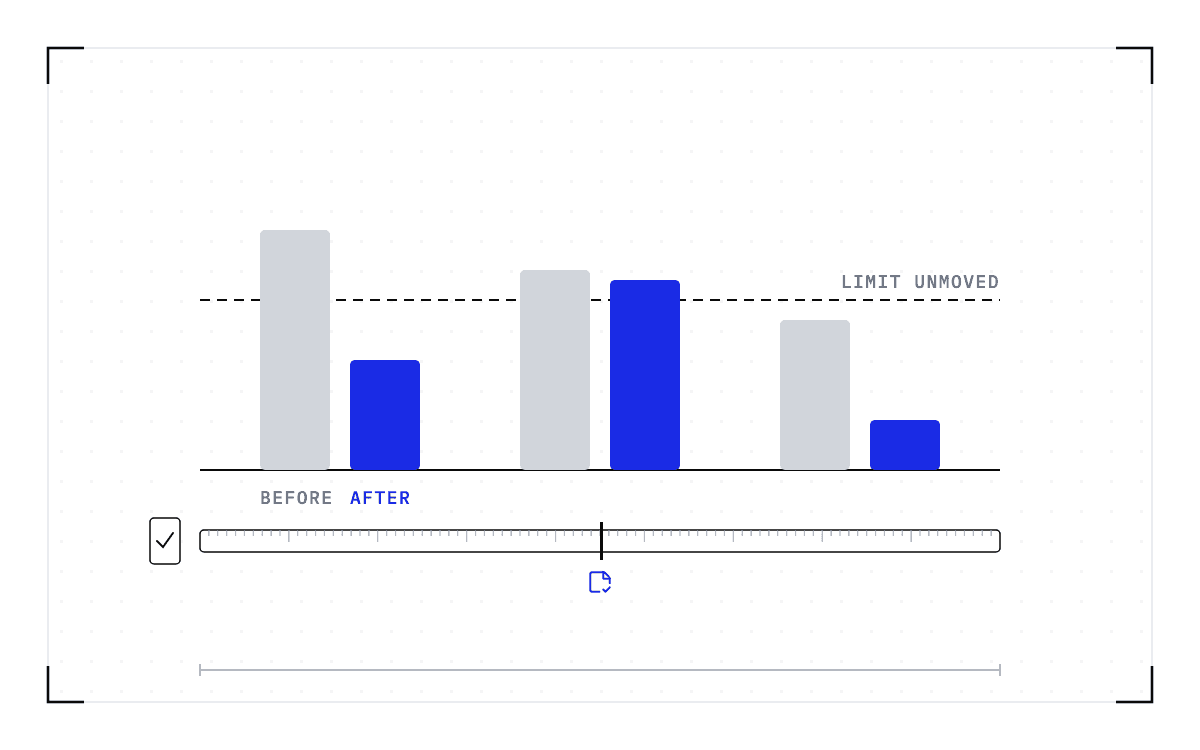
Cedana. Blueprint of three pairs of bars on one baseline, each pair a grey bar beside a blue one of different height, with one dashed horizontal line running unbroken across all three at the same height. Beneath, a ruled ninety-day strip with a black marker at its midpoint and a saved-state icon under it, and a small ticked box just before the strip begins.
· Cedana Editorial

A 90-day wall-time PoC: what to measure before you change policy

Design a Slurm checkpointing proof of concept using accounting history, application review and agreed thresholds for completion time, queue impact and exceptions.

read →
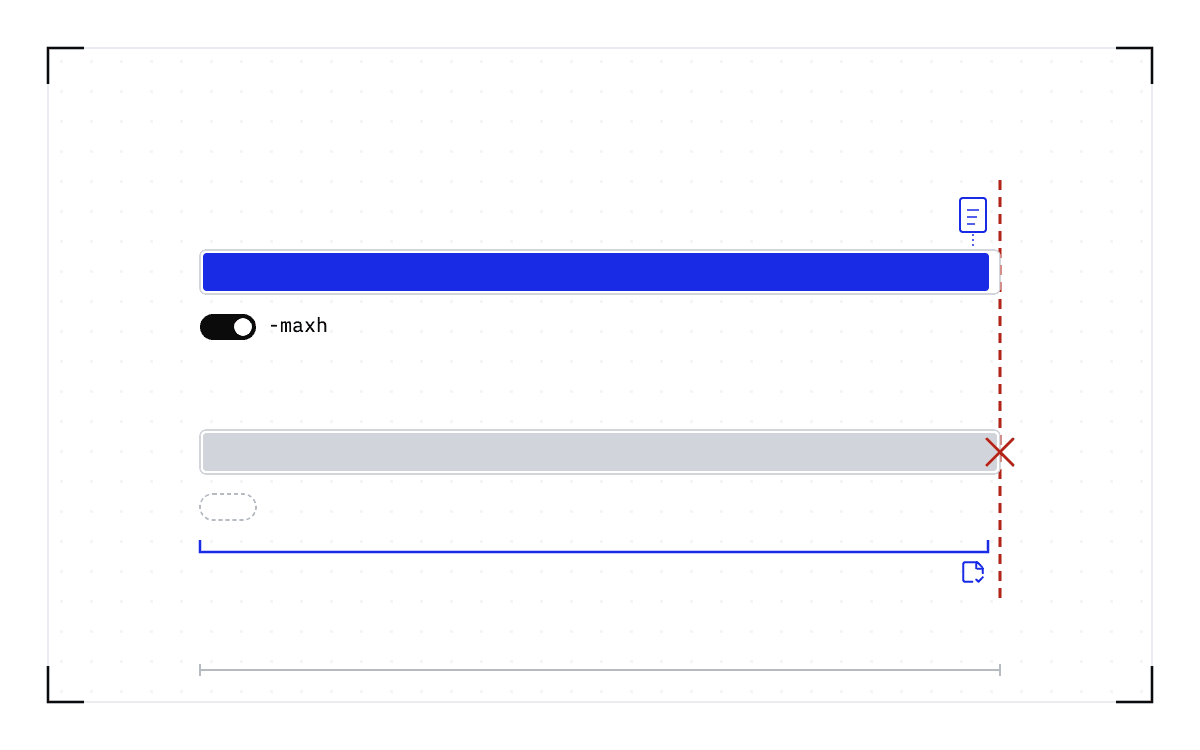
Cedana. Blueprint of two long bars running toward a red dashed wall on the right. The top bar is filled blue to just short of the wall, with a small blue document above its end and a black switch below it with the knob to the right. The bottom bar is filled grey all the way to the wall and ends in a red cross, with a dashed empty switch below it and, beneath that, a blue bracket spanning the bar with a saved-state icon near its end.
· Cedana Editorial

GROMACS shows both the value and the limit of application checkpointing

Use GROMACS maxh, cpt and cpi to understand checkpointing across allocation limits, and see what other applications must build to offer the same recovery path.

read →
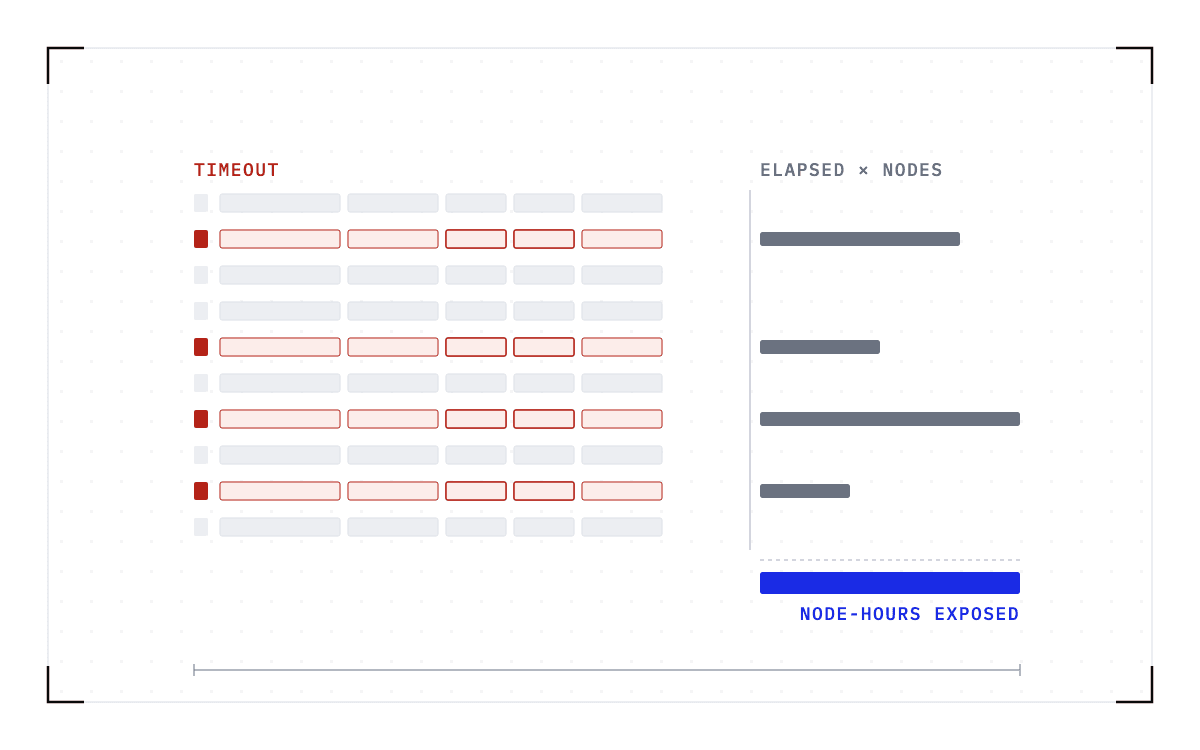
Cedana. Blueprint of ten ledger rows of small grey fields, four of them tagged red at the left with two of their fields outlined red. Beside each tagged row a dark grey bar of a different length extends to the right, and under the column of rows a single blue bar the width of the longest.
· Cedana Editorial

Measuring the cost of wall-time termination from your sacct data

Use sacct to count Slurm TIMEOUT records, calculate exposed node-hours and identify repeat jobs. Separate accounting evidence from proof that work was lost.

read →
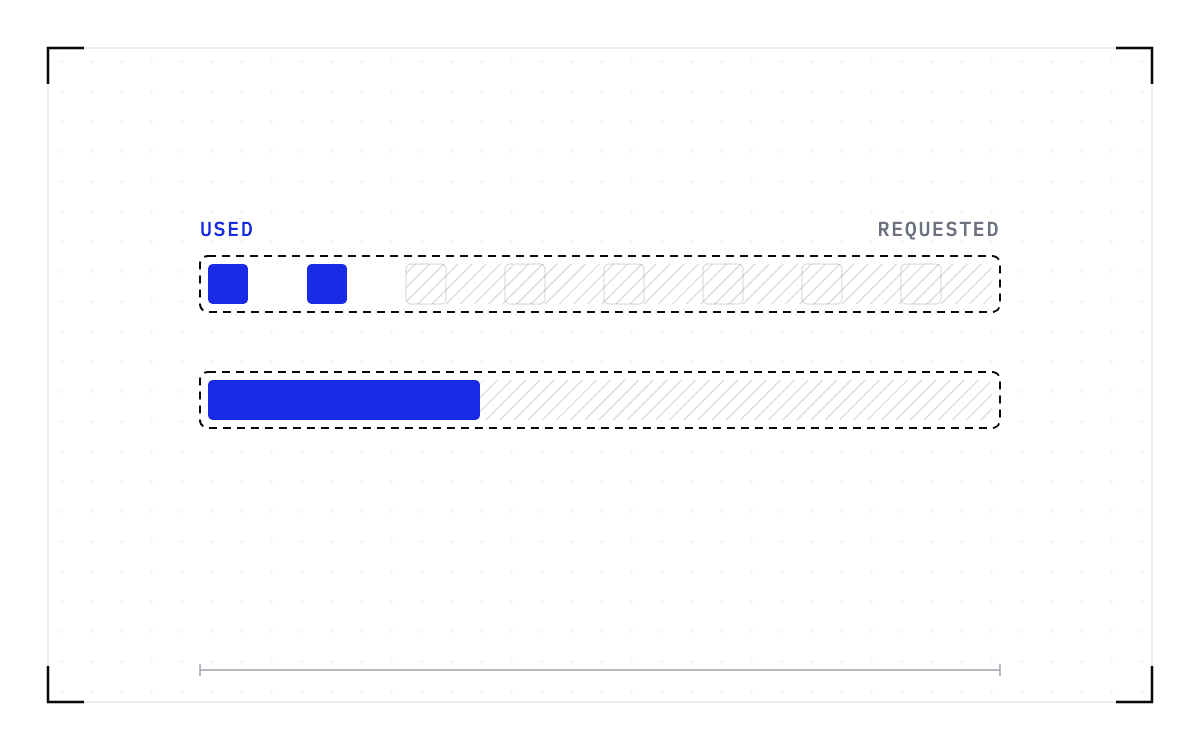
Cedana. Blueprint of two long dashed outlines marked requested, each holding a solid blue fill marked used: a row of eight GPU cells with only two lit and the rest hatched, and a memory bar filled a third of the way with the remainder hatched.
· Cedana Editorial

Why everyone over-requests memory on a shared cluster

Understand why cluster users request extra memory, how Slurm limits and sampled peaks affect sizing, and what changing an allocation costs.

read →
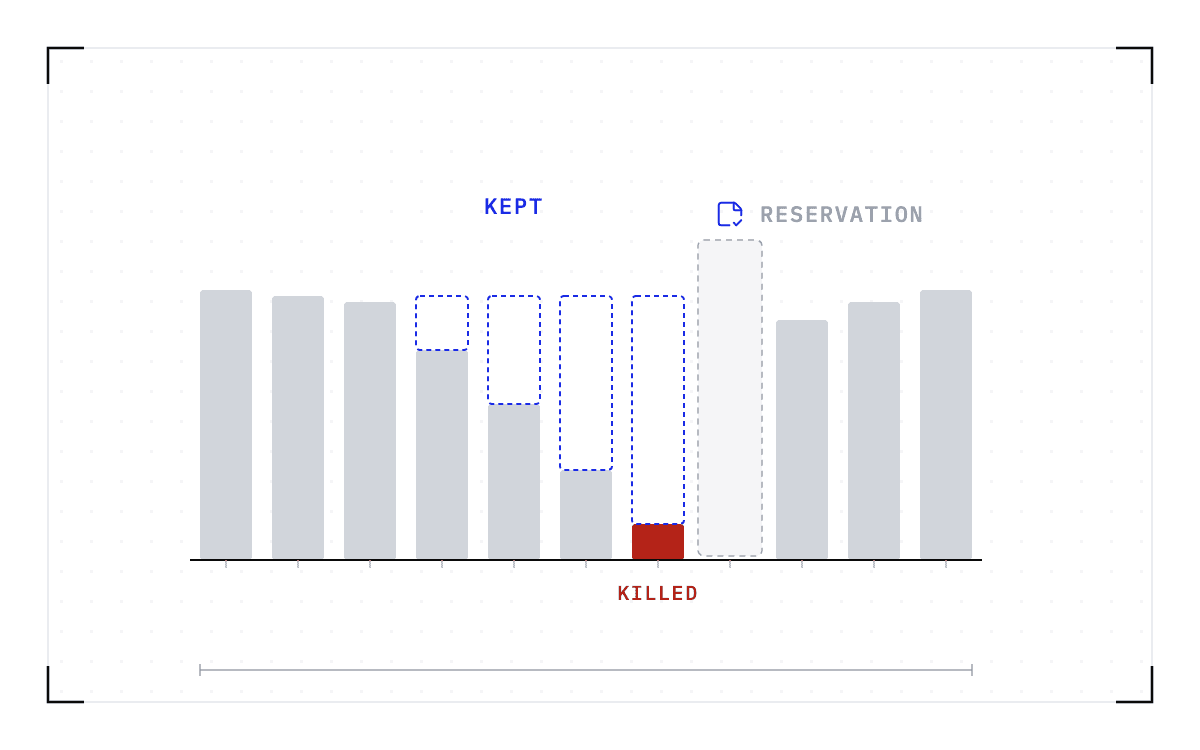
Cedana. Blueprint of a bar chart of node occupancy by day: high grey bars that fall step by step over four days to almost nothing at a dashed grey window, then climb again after it. The last sliver before the window is red and struck out. Blue dashed outlines stand on top of the falling bars up to the height they would have kept, and a saved-state icon sits above the window.
· Cedana Editorial

Rebooting Slurm nodes for a kernel update without losing the running jobs

Compare Slurm reboot and reservation workflows, account for the idle time before maintenance, and plan checkpoint recovery around a kernel update.

read →
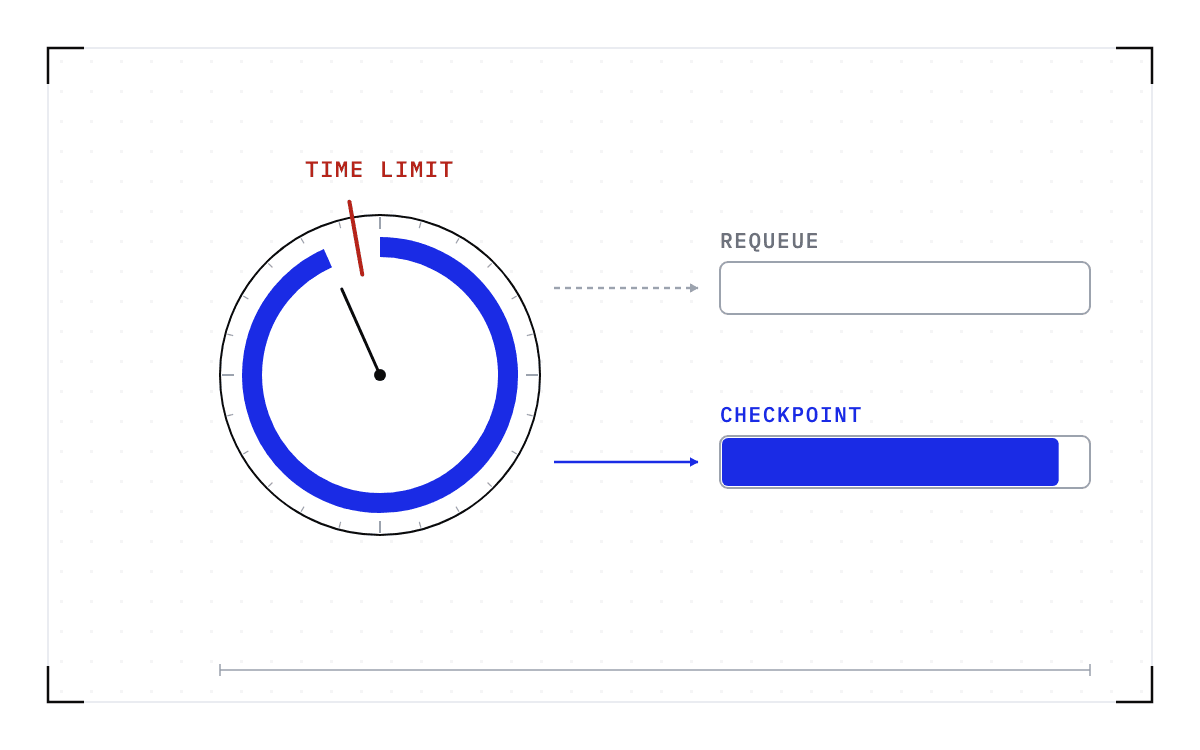
Cedana. Blueprint of an allocation drawn as a clock face, a thick blue arc of work running almost the whole way round to a red cut marked time limit. Two arrows leave to the right: a grey dashed one to an empty bar labelled requeue, and a blue one to a bar filled almost full, labelled checkpoint.
· Cedana Editorial

Your Slurm job was cancelled due to time limit. What to do now

Confirm a Slurm TIMEOUT, check what progress survived, and compare checkpoints, requeue and job chains for runs that exceed the wall-time limit.

read →
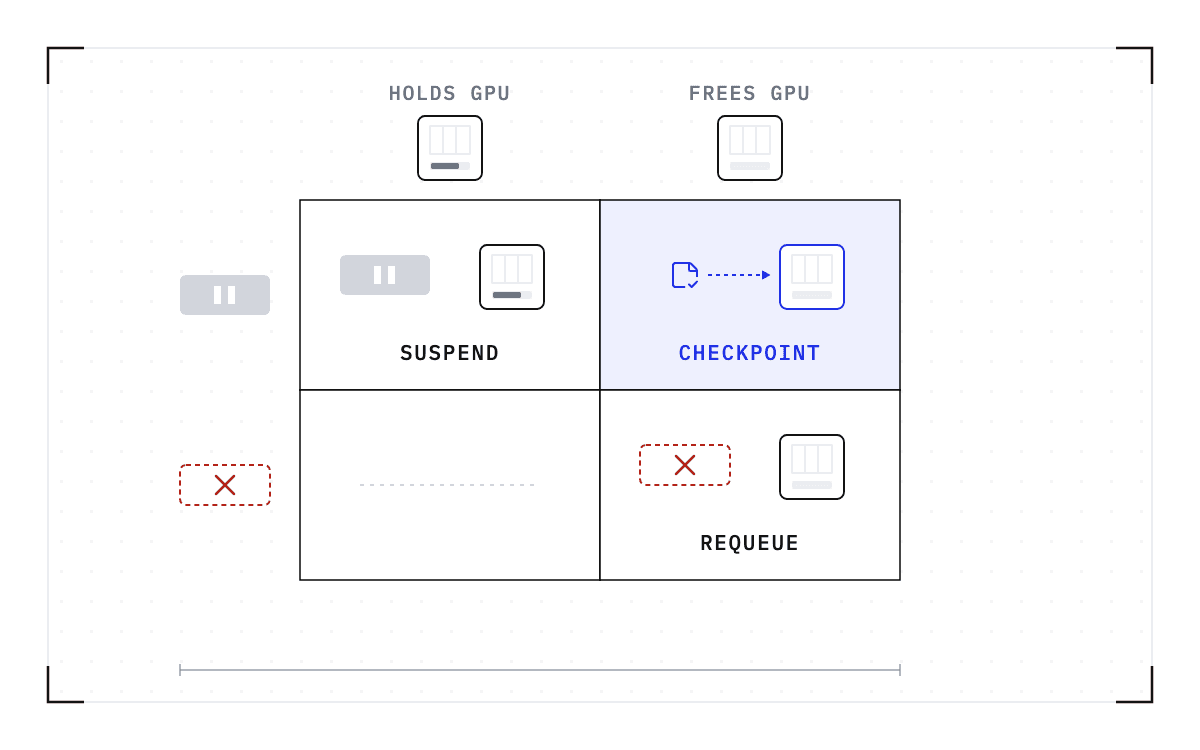
Cedana. Blueprint of a two-by-two grid. Along the top, a GPU card with its bar filled and one with its bar empty; down the side, a job block with a pause mark and a red dashed job block struck out. The top-left cell holds the paused job with the held GPU; the bottom-right holds the struck-out job with the freed GPU; the bottom-left is a faint dash; and the top-right, tinted blue, holds a saved-state icon with an arrow to a freed GPU outlined in blue.
· Cedana Editorial

Slurm has no suspend option for GPU jobs. What preemption without killing the job looks like

Learn why Slurm suspend keeps GPUs allocated, how requeue and grace time work, and where checkpointing can preserve a preempted job's progress.

read →
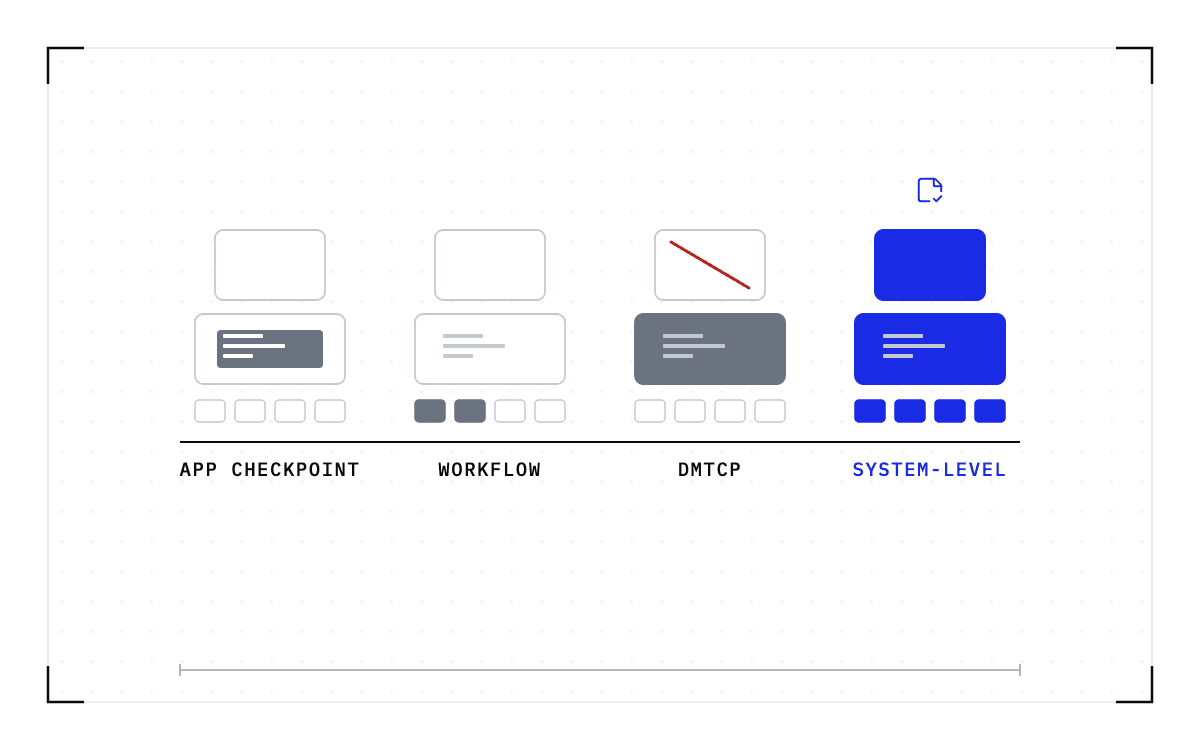
Cedana. Blueprint of the same workload silhouette four times in a row: a GPU card over a wider process box holding lines of a program, over a short pipeline of four small steps. In the first only a dark strip inside the process is filled. In the second the first two pipeline steps are filled and the third is dashed. In the third the process box is filled dark and a red slash crosses the GPU card. In the fourth every part is solid blue under a saved-state icon.
· Cedana Editorial

DMTCP, application checkpoints, workflow managers and system-level checkpointing: what each covers on a Slurm cluster

Compare application checkpoints, workflow resume, DMTCP and system-level GPU checkpoints for Slurm jobs, including setup responsibilities and limits.

read →

Showing 9 of 9 posts